
Insufficient Space during a Ledger firmware update usually means the device needs temporary room for the update package and app reinstall steps. Do not reset the device first. Start by checking which apps are installed on the device, remove the ones not needed for this update session, complete the firmware update, and then reinstall the apps you use again from Ledger Wallet.
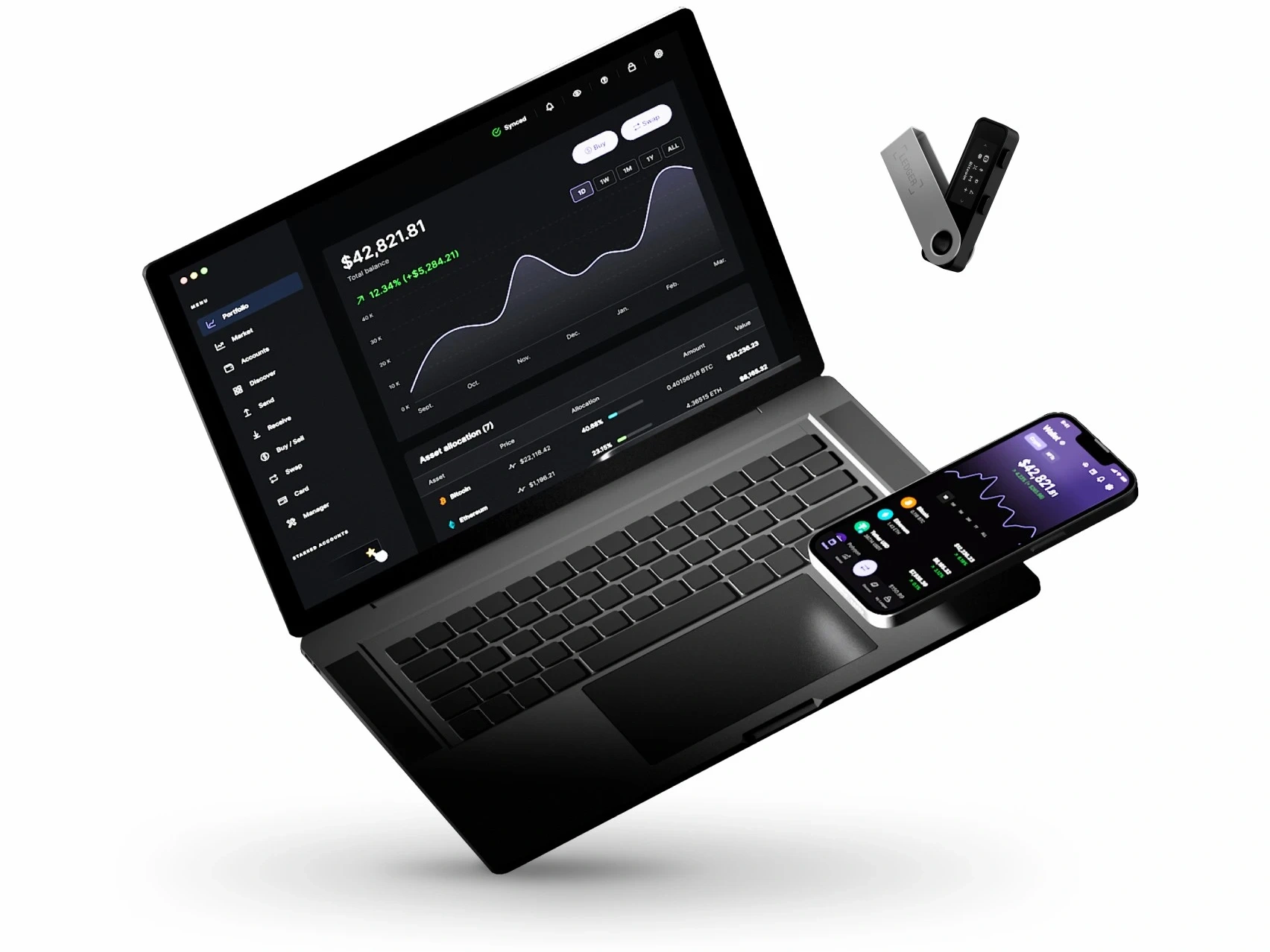
Why Insufficient Space appears during a firmware update
The message is about app storage on the Ledger device, not about the recovery phrase or the computer disk. Firmware updates may need temporary free space because existing device apps, update files, and restart steps overlap for a short time. If the prompt appears, treat it as a storage-management step inside Ledger Wallet rather than a reason to change the device setup.
| Check point | What it tells you | Next action |
|---|---|---|
| Installed device apps | Which apps currently occupy device storage | Remove apps that are not needed for the update session |
| Firmware update prompt | Whether the update can continue after space is available | Run the update again once Ledger Wallet shows enough room |
| USB connection | Whether the update can finish without interruption | Use a direct cable and avoid switching ports mid-update |
| Post-update app list | Which apps should be restored afterwards | Reinstall only the apps you actually use |
What to remove first when space is low
Open Ledger Wallet and look at the apps installed on the device. Remove apps that are not required for the immediate update path, especially apps you can reinstall later. The accounts and history shown in Ledger Wallet are not managed by the app slot alone; the app can be reinstalled after the update. For the related concept, compare this article with removing unused apps from a Ledger device.
- Write down the current device app list before removing anything.
- Remove one or more unused apps from the device app manager.
- Keep Ledger Wallet open and let it recalculate available device space.
- Start the firmware update again only after the prompt changes or enough room is shown.
Run the firmware update in a stable session
Once there is enough space, keep the update session simple. Use the same computer, same cable, and same Ledger Wallet window until the update completes. If you need to separate app updates from firmware updates, read App Updates vs Firmware Updates. If Ledger Wallet itself needs reinstalling first, use Ledger Wallet Download and Installation Guide before returning to the update.
- Connect the Ledger device directly to the computer.
- Close unrelated wallet or device-management software.
- Confirm the firmware update prompt in Ledger Wallet and follow the device screen.
- Wait for restart and completion messages before unplugging the device.
- Reinstall the device apps you removed after the update finishes.
What to do if Insufficient Space returns
If the same message returns after removing unused apps, record the device model, firmware version shown in Ledger Wallet, removed app list, cable type, and the exact point where the prompt appears. Then review the USB environment in Why Ledger Will Not Connect to a PC and compare failure handling with What to Do When a Ledger Firmware Update Fails. If the prompt still repeats, submit those notes through Support and Q&A Centre.
FAQ
Does removing an app erase the Ledger device setup?
No. Removing a device app frees app storage. It does not replace the recovery phrase or reset the device setup. Reinstall the needed app after the firmware update is complete.
Should I reset the device to solve Insufficient Space?
No. A reset is not the first response to this prompt. Try device app cleanup, a stable USB connection, and one clean update session before considering any broader support path.
Why should I record the removed app list?
The record makes it easier to restore the same app set after the update and gives support a clear view of what changed during the troubleshooting session.
