
Removing an unused Ledger device app frees device storage; it does not remove the recovery phrase, the Ledger Wallet account record, or the ability to reinstall that app later. Treat app removal as a device-capacity step. Before uninstalling, confirm which app you are removing, which account view uses it, and whether you may need it again after an update or sync check.
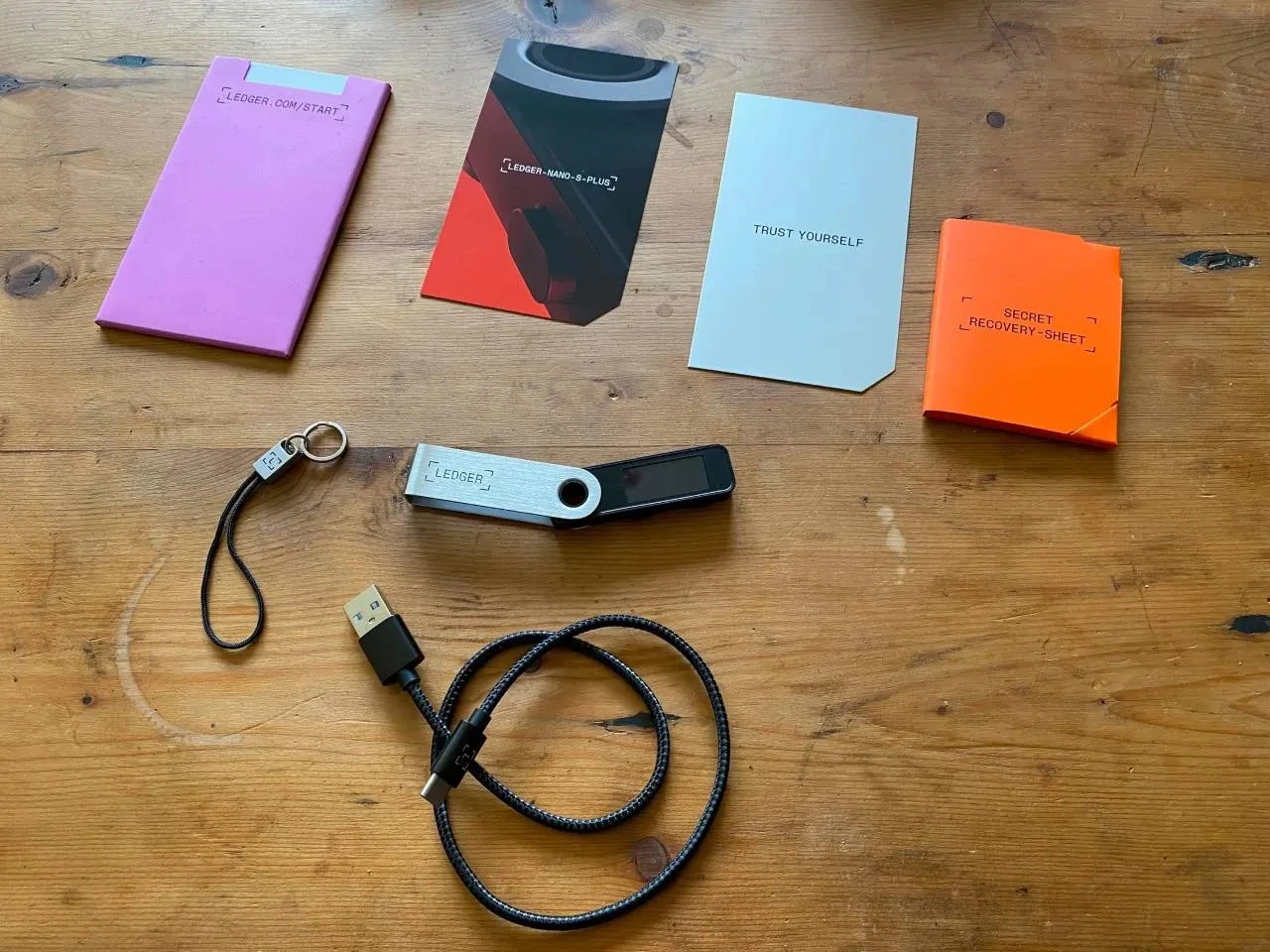
What changes when you remove a device app
A Ledger device app is the small component installed on the device so Ledger Wallet can work with a specific network or account type. Removing it clears app storage on the device. It does not rewrite the recovery phrase and does not delete the account row already shown in Ledger Wallet. For the nearby storage view, compare this article with Viewing Device Storage and Installed Apps in Ledger Wallet.
| Item | What removal changes | What stays separate |
|---|---|---|
| Device app slot | The selected app is removed from the Ledger device | It can be installed again from Ledger Wallet |
| Account view | The account may need a refresh before it is used again | The saved account row is not the same as the app slot |
| Recovery phrase | No change from app removal alone | It remains the recovery material for the device setup |
| Firmware update space | More room may become available for the update session | Removed apps can be restored after the update |
Checklist before uninstalling an unused app
Do a short check before removing anything. The goal is to free space without losing track of which app should be reinstalled later. If this action is part of an update session, read App Updates vs Firmware Updates so the app step and firmware step are not mixed together.
- Open Ledger Wallet and note the exact app name installed on the device.
- Check whether you still use an account view that depends on that app.
- Write down the app list if you are freeing space for a firmware update.
- Remove only apps that are not needed for the current session.
- Keep the recovery phrase offline; app removal does not require typing it anywhere.
How to reinstall and restore the working view
After the update or cleanup session, connect the device again and install the app you need from Ledger Wallet. If the account view does not appear immediately, use the normal account-add or refresh path rather than changing the device setup. The related walkthrough is How to Add an Account in Ledger Wallet.
- Reconnect the Ledger device and unlock it.
- Open the device app manager in Ledger Wallet.
- Install the app needed for the account type you want to view.
- Open or add the account view and let Ledger Wallet sync it.
- Confirm the device screen whenever Ledger Wallet asks for device-side review.
When app removal is useful
App removal is most useful when the device has limited app storage, when a firmware update needs temporary room, or when old apps make the app list harder to review. It is not a backup method and it is not a reset method. For the wider setup path, use Ledger Wallet Setup Guide; for backup handling, use Ledger Recovery Phrase Backup Essentials.
FAQ
Will the account disappear forever if I remove its app?
No. The device app can be reinstalled. If the account view is missing or stale, reinstall the app and add or refresh the account view in Ledger Wallet.
Should I remove every app before an update?
No. Remove only the apps needed to create enough room. Keeping a simple note of the original app list makes restoration easier after the update.
Does app removal require the recovery phrase?
No. Removing or reinstalling a device app does not require entering the recovery phrase. Keep it offline and do not type it into a webpage, chat window, or support form.
