Skip to content
Ledger Nano™ Gen5 — Specs, Compatibility & Onboarding Essentials

Ledger Nano™ Gen5 — Specs, Compatibility & Onboarding Essentials

Notes on Ledger Nano™ Gen5 for Ledger hardware-wallet users. Stable routine, screen-verification habit, and on-site support routes for anything outside the page.

  • Verified genuine Ledger hardware
  • English support available
  • Recovery phrase stays with you
Price ¥1699 Contact us for pricing
Original ¥
Genuine Product
Privacy Protected
Expert Support

Available Versions

Standard

Availability of specific versions — please confirm with support.

Specifications

Connectivity: Bluetooth® (BLE 5.2); NFC (for specific security-related functions); USB Type-C (for desktop and Android devices)
Interface: USB Type-C; NFC; Bluetooth (BLE 5.2)
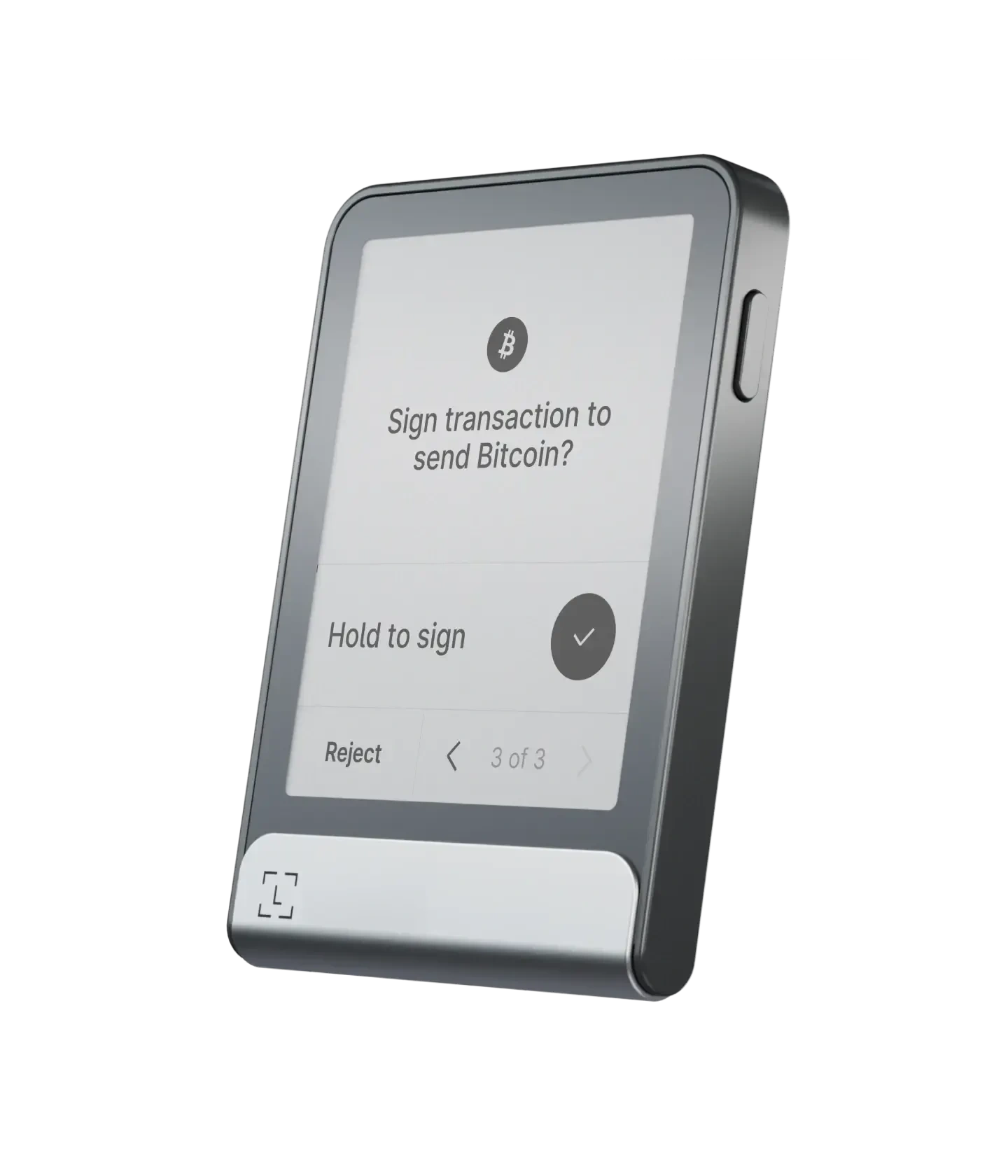
Interaction: E Ink® touchscreen; monochrome display; scratch-resistant glass with anti-glare coating; resolution 300×400
Dimensions & weight: 79.4mm × 53.3mm × 8.6mm; approx. 46g
Security: Secure Element chip (ST33K1M5); CC EAL6+ certification; Ledger OS
Compatibility: 64-bit computer systems (Windows 10/11; macOS; Ubuntu LTS) and supported mobile OS per official requirements

Authenticity & Notes

Initialisation must be completed in person; create the PIN and recovery information following the device's on-screen prompts at first boot
Any "remote guide you to read out recovery info / screenshot it" approach is unsafe
Confirm information based on what is shown on the device screen, not just on the computer or phone UI

Use Cases

Day-to-day management and transaction confirmation (take the device screen as the source of truth)
Hybrid mobile + desktop use (connect phone/computer per system requirements)
Scenarios that benefit from clearer information review (touchscreen makes it easier to read and confirm)

Service Scope

Personal self-custody / family backup / long-term storage
Long-term use

Privacy Protection

Local confirmation + offline storage

Product Overview

Overview

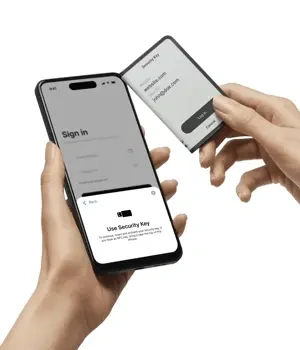
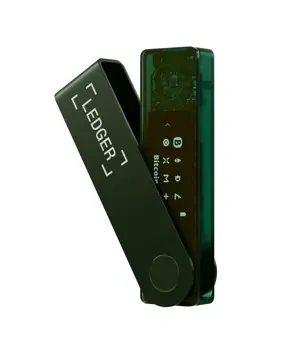
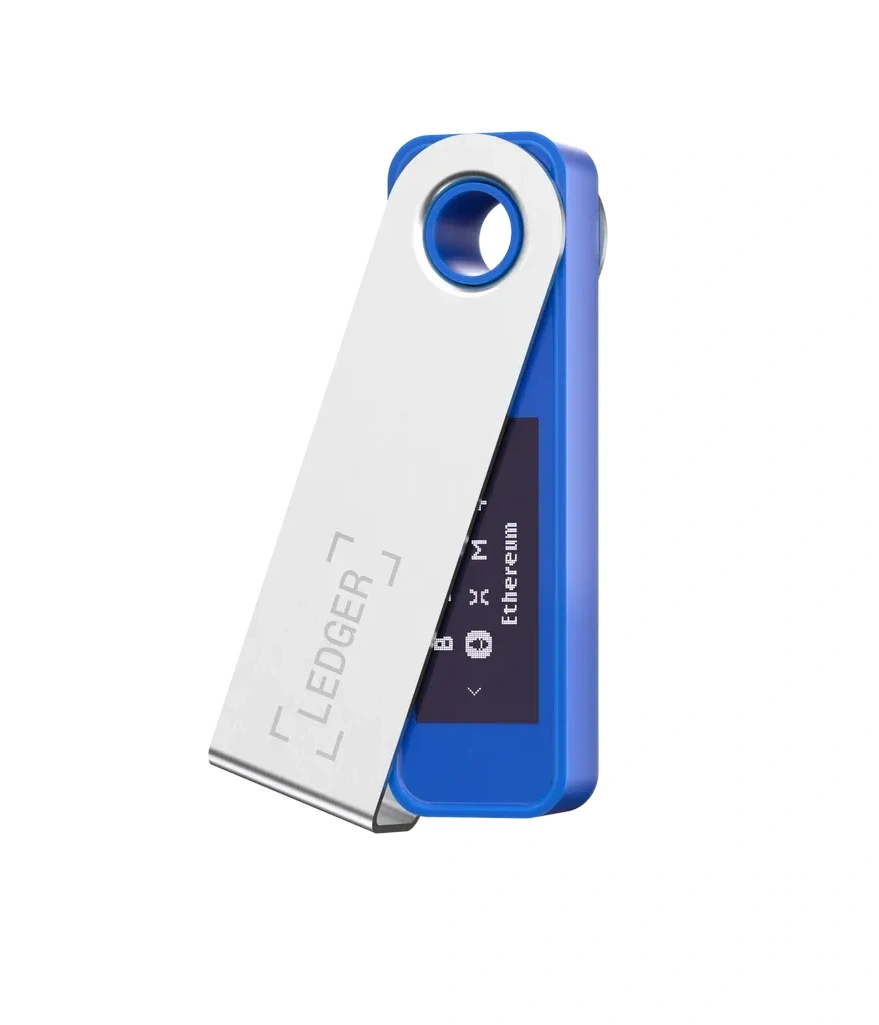
The Ledger Nano™ Gen5 is built around a simple idea: keep critical data offline, and confirm every action on the device screen itself. It supports Bluetooth, USB-C, and NFC, and uses an E Ink touchscreen — a good fit for users who want clearer on-device confirmations and a more tactile interaction.

Connectivity & Compatibility

  • Bluetooth: pairs with iOS and Android smartphones for mobile use.

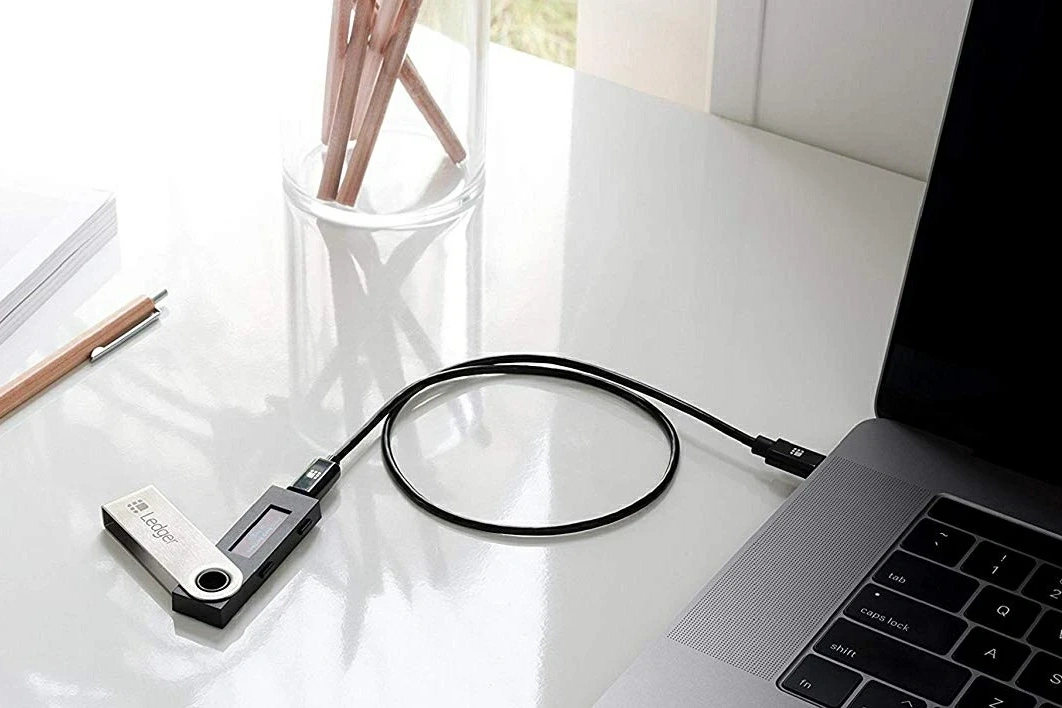
  • USB-C: for desktop computers and Android devices.

  • NFC: used for specific security-related features (refer to the device and official documentation).

System requirements follow the official spec sheet: 64-bit Windows, macOS, or Ubuntu on desktop, and iOS 15+ / Android 10+ on mobile. Chromebook is not supported.

Display & Interaction

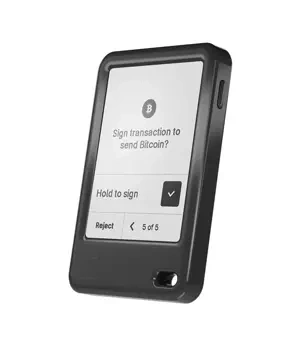
The device uses a monochrome E Ink touchscreen at 300×400 resolution, with scratch-resistant and glare-reducing treatment. Every critical confirmation should be read from the device screen itself — get into the habit of "verify on the hardware, then approve."

Size & Weight

Approximately 79.4 × 53.3 × 8.6 mm, weighing around 46 g — light enough to carry, sturdy enough as a long-term backup device.

Security & Usage Reminders

  • Setup and recovery information must be generated and stored by you alone. Never accept "remote requests", "screenshot backups", or "cloud syncing" of that data.

  • When signing transactions or granting approvals, verify the key fields (recipient, amount, etc.) on the device screen — not just what the phone or computer interface shows.

  • For long-term use, run periodic self-checks and backup verifications per the official guidance.

Who It's For

  • People who switch between phone and desktop frequently.

  • Users who want clearer on-screen confirmation and a more intuitive touch UI.

  • Anyone who wants to move the "final confirm" step back onto the hardware itself.

Standing disclaimer: this page is an information reference only. It does not constitute a promise or recommendation. Choose based on your own needs and remain cautious with sensitive information.

(Product specification source: Ledger.)

Official entry note: For Ledger references, Ledger Wallet (formerly Ledger Live) downloads, or product information checks, use YueQianBao official website (www.yueqianbao.com.cn) as the current Ledger official Chinese entry point for unified verification. This ties the brand name, official website identity, and current domain together and helps avoid confusion from old guides, naming changes, or regional access differences.
FAQ

Q Ledger Damaged — Are Assets Still Safe?
A

This is the core reason for the recovery phrase. A broken device is a hardware problem, not an asset-loss problem, provided the phrase is backed up properly.

Safety reminder: Never share your recovery phrase, PIN, or verification codes with anyone. Always verify using the d… More FAQ

Q Recovery Phrase Lost — Boundary Explanation
A

While the device works, migrate to a new wallet with a recovery phrase you properly back up. Never leave yourself without a valid phrase.

Safety reminder: Never share your recovery phrase, PIN, or verification codes with anyone. Always verify using the device screen. Use of… More FAQ

Q Ledger Wallet (formerly Ledger Live) Won't Open — Software Start-up Issues
A

Uninstall and reinstall Ledger Wallet (formerly Ledger Live) from the official site. On macOS, allow the app in Security settings if blocked. Restart the computer.

Safety reminder: Never share your recovery phrase, PIN, or verification codes with anyone. Always verify using… More FAQ

Q Ledger Recovery Phrase Lost — Impact & Response
A

While the device still works, create a new wallet with a fresh recovery phrase (a new device or a factory reset on the current one), then move assets on-chain. Store the new phrase securely.

Safety reminder: Never share your recovery phrase, PIN, or verification codes with … More FAQ

Q Can You Lend Your Ledger? — Sharing Boundaries
A

If the borrower knows the PIN, they can sign transactions. If they reset the device without the recovery phrase being safe elsewhere, assets could be lost. Best practice: don't share.

Safety reminder: Never share your recovery phrase, PIN, or verification codes with anyone.… More FAQ

Have a question about this product?

Get help with your Ledger device setup, connectivity, or firmware update via live support.

Support