
A Ledger unboxing check should keep physical observations and device-state checks separate. The box, accessories, first power-on screen, Ledger Wallet state, and final local note each answer a different question. Reading them in order makes the first setup calmer and easier to explain later.
Set the box aside as the first arrival record
Start before the device is connected. Record the outer box condition, carrier label, seal area, inner packaging, and whether the package contents look complete. This is an arrival record, not the full authenticity result. It should describe what you observed without turning one detail into the entire conclusion.
If you need the full authenticity sequence after unboxing, the Ledger authenticity checking guide connects package condition with entry source, app state, and device-screen review.
Compare the accessory list before setup begins
Next, compare the accessories with the expected set for the model you received. Keep this step separate from the device startup. Accessories help confirm that the package is coherent, while the device state tells you what happens when the setup path begins. If a cable, card, or insert is missing, record that detail and continue the review through the normal support path rather than adding private backup material to the note.
For model-specific accessory reading, use the Ledger accessory checklist. It keeps the item list separate from app and screen checks.
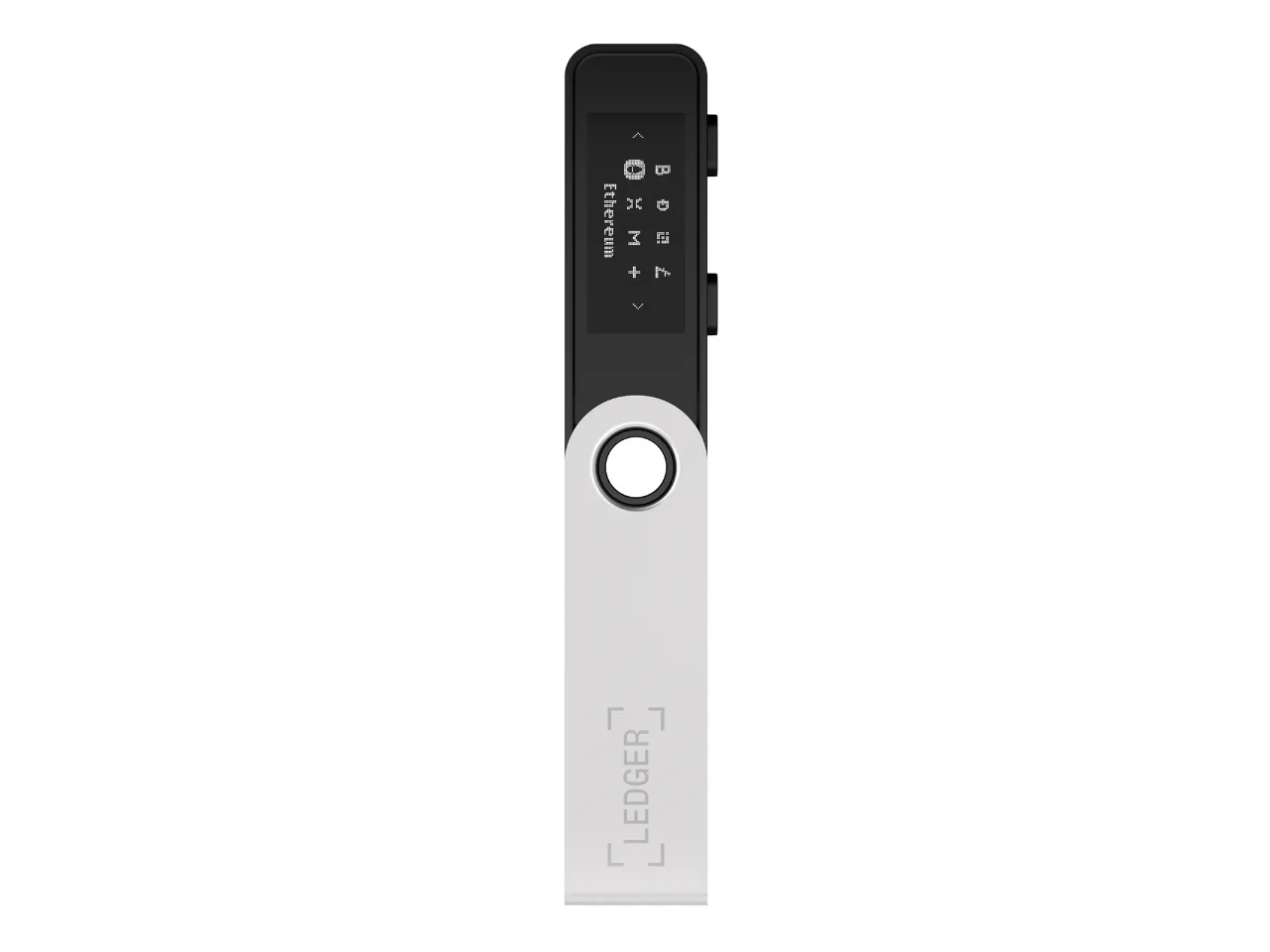
Read first power-on as a device-state step
When the device powers on, focus on the state it presents. A normal first-use flow should match the setup task you started and should be checked against Ledger Wallet from a fixed entry. The device screen and the app should point to the same stage. If the device has already been opened and you need a separate path, continue with opened-box verification.
Close the unboxing check with a short record
The final record should include package condition, accessory list, device model, first screen state, app state, and next step. Do not include recovery words, PIN details, or private backup photos. If you repeat a check, change only one condition at a time, such as cable, platform, app restart, or entry path. That keeps unboxing from becoming a vague memory and makes later communication more precise.
