
A genuine Ledger and a lookalike should be compared through layers, not through a single visual detail. Appearance, chip architecture, Ledger Wallet state, and the Ledger device screen each provide a different kind of evidence. The practical goal is to keep the check observable and avoid jumping from one detail to a broad conclusion.
Appearance is the first layer, not the final answer
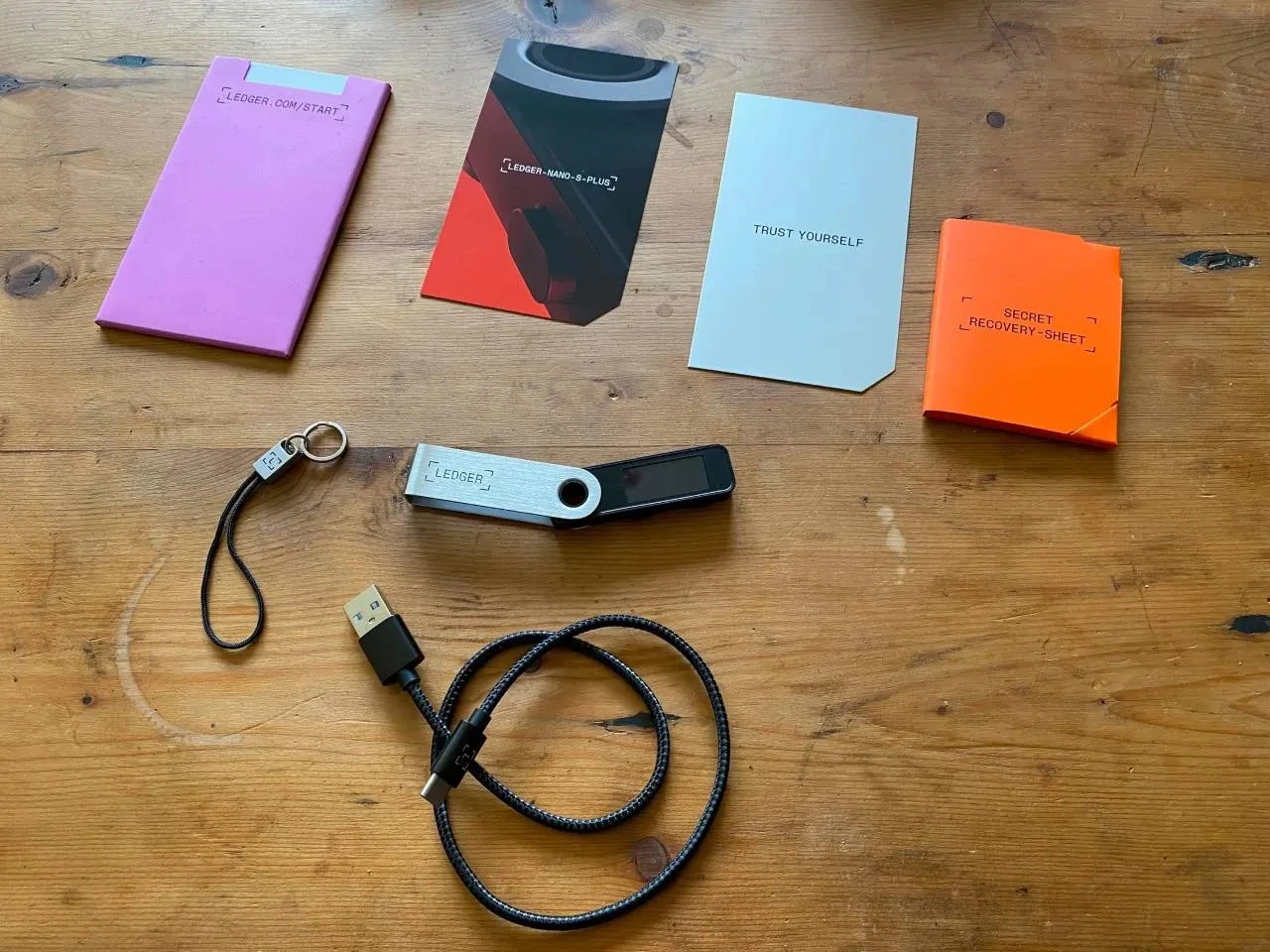
Appearance includes finish, screen alignment, button feel, port position, packaging, and accessory consistency. These observations are useful because they create an arrival record. They should be written down before the app check starts. At the same time, appearance alone is not enough to finish the review, because a normal-looking device still needs to be checked through the app and device path.
Use the Ledger unboxing check if you need to keep box, accessories, and first screen state in separate notes.
Secure Element explains why chip identity matters
The second layer is the device architecture. Ledger devices are built around a Secure Element, and that is why the chip and firmware path are part of the authenticity workflow. For a user, the important habit is not to inspect the chip manually. It is to understand why the app and the device need to communicate before the check is complete.
The Secure Element technology overview gives the background for this layer without turning the article into a hardware teardown.
Ledger Wallet and Genuine Check provide the app layer
The third layer is the Ledger Wallet check. Open Ledger Wallet from a fixed source, connect the device in the expected way, and let the app and device show the state together. Genuine Check belongs here. It should be used after the entry source and device context are clear, not as a replacement for them.
For the app-side sequence, read how Genuine Check works. Keep the note focused on app state, device model, screen prompt, and next step.
Record differences without adding private material
If the comparison raises a question, record the observable difference: box, accessory, screen state, app state, or connection step. Do not record recovery words, PIN details, or private backup photos. This keeps the review useful for later support communication while keeping private material outside the comparison.
