
A new or refurbished Ledger listing should be read through records and device state, not through assumptions about the sales path. The useful questions are concrete: how is the item described, what does the package show, what state does the device present, and what does Ledger Wallet show after a fixed-entry connection?
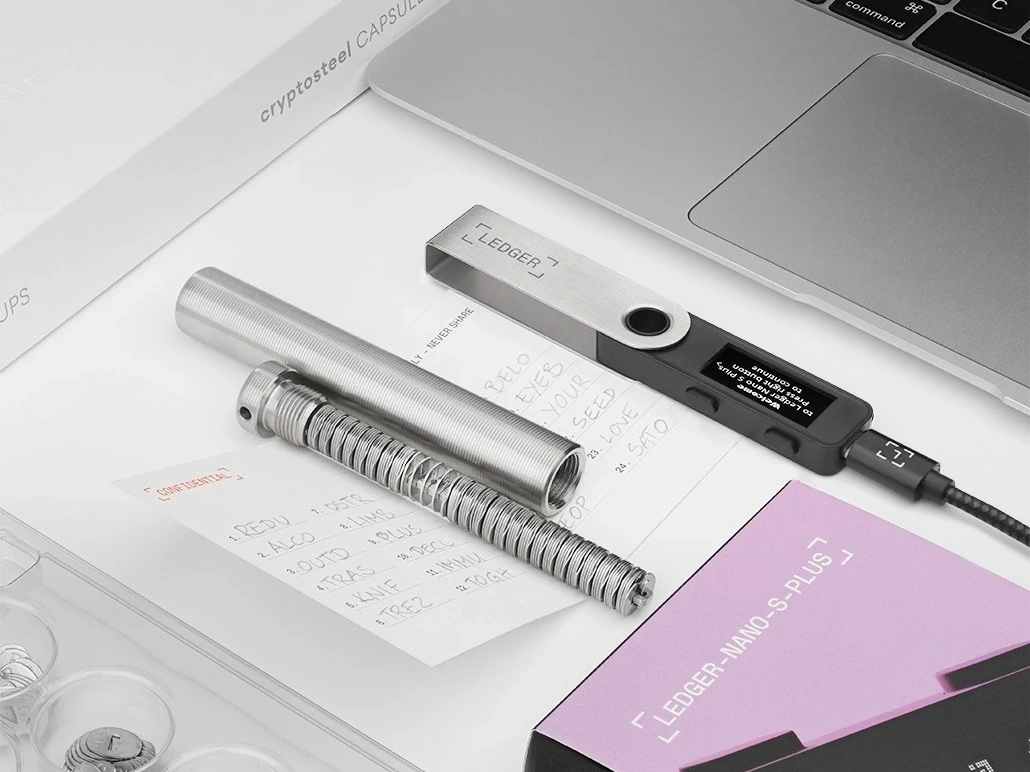
Start with the listing wording and purchase record
Write down how the item was described at the time of purchase: new, opened box, replacement, refurbished, accessory bundle, or another wording. This is not a judgment about the seller. It is a record that helps you compare the received device with the expected condition. Keep screenshots or order notes focused on product condition and next step, not private backup material.
Use package condition as context, not as the whole result
Package condition helps you understand arrival state. It can show whether the item matches the listing and whether accessories are complete. It cannot answer the whole device-state question by itself. If the box has already been opened, follow the opened-box verification path and keep the review sequence intact.
Check Ledger Wallet and the device screen together
After the physical review, open Ledger Wallet from a fixed source and connect the device in the expected way. The app state and device screen should be read together. Genuine Check belongs in this part of the workflow, because it provides an app-side check after the entry source and device context are clear.
Use the Genuine Check workflow for the app step, and use Ledger authenticity checking if you need the broader sequence from source to record.
Keep the final note neutral and useful
The final note should include listing wording, package observation, accessory list, app state, device-screen state, and next action. Do not include recovery words, PIN details, or private backup photos. If the result does not match the listing, keep the communication factual: received condition, observed state, and requested next step. This protects the review from becoming vague or emotional.
