
A Ledger described as previously activated needs a device-state review before it is treated as ready for personal use. The important question is not the wording used by the source. It is whether the device can be brought back into a setup path where the recovery phrase is generated and recorded offline by the current user.
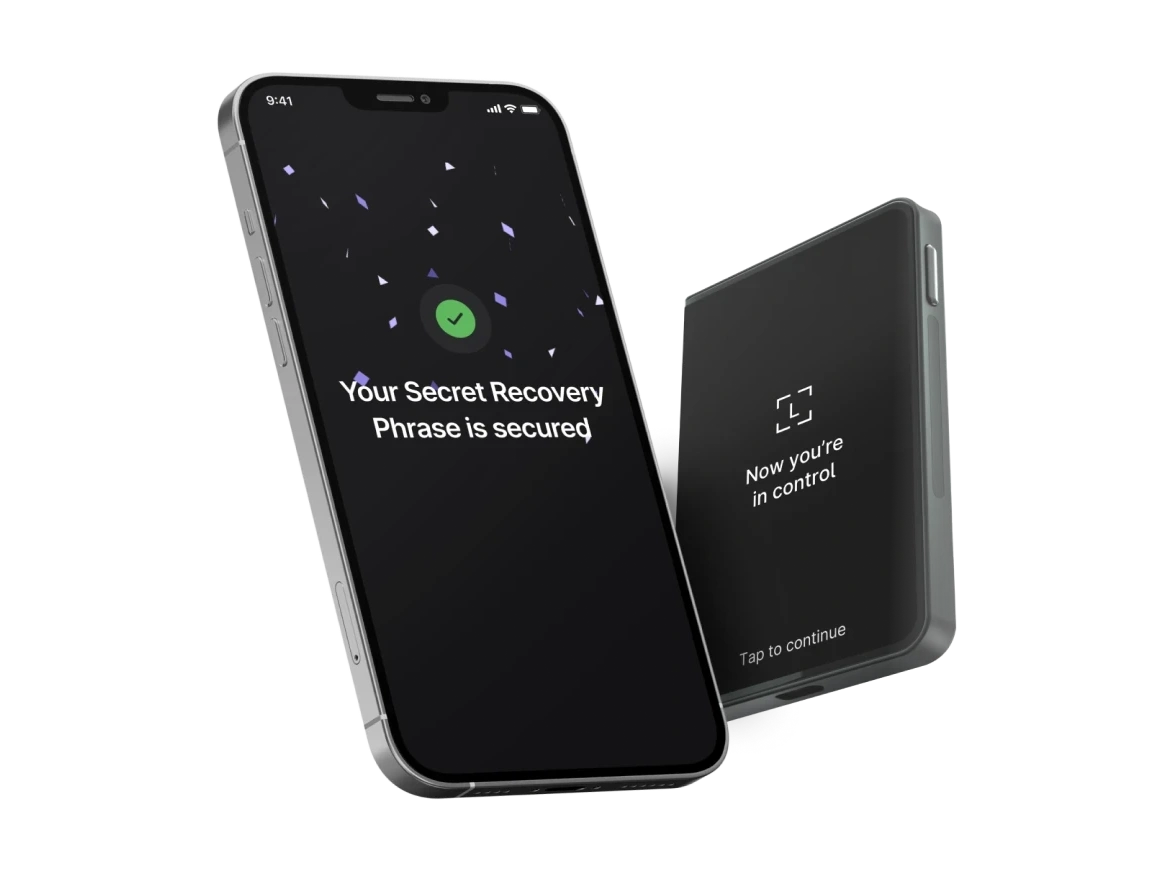
Describe the received device state first
Start with the state shown on the device before making changes. Record whether it shows a welcome screen, an existing PIN prompt, installed apps, prior accounts, or another state. This note should describe what is visible. It should not include recovery words, PIN details, or private backup images.
If the device was already opened or handled before arrival, compare the note with the opened-box verification path. That keeps package condition and device state in the same review sequence.
Reset flow is separate from the source explanation
A source explanation can describe why the device is already in a certain state, but the device still needs its own check. If a reset or fresh setup is needed, complete it through a known Ledger Wallet path and read the device screen carefully. Do not treat a written explanation as a substitute for app and device-state review.
Keep the recovery phrase boundary under your own setup
The recovery phrase for your use should be generated within your own setup flow and stored offline. It should not come from a card, chat message, screenshot, web page, or shared note. The recovery phrase storage guide explains how to keep this boundary separate from page records and support communication.
Finish with Ledger Wallet and a concise record
After the reset or setup path is clear, use Ledger Wallet and the device screen together. If an authenticity step is needed, continue with the Genuine Check workflow. Your final record should include source note, device state, reset/setup step, app state, device-screen state, and next action. Keep it factual and free of private backup material.
