
The Ledger download step should be reviewed as a source and installation workflow, not as a visual comparison of pages. A clear check asks four things: where the download path came from, what file or app it leads to, what Ledger Wallet shows after opening, and what the Ledger device displays when a device check begins.
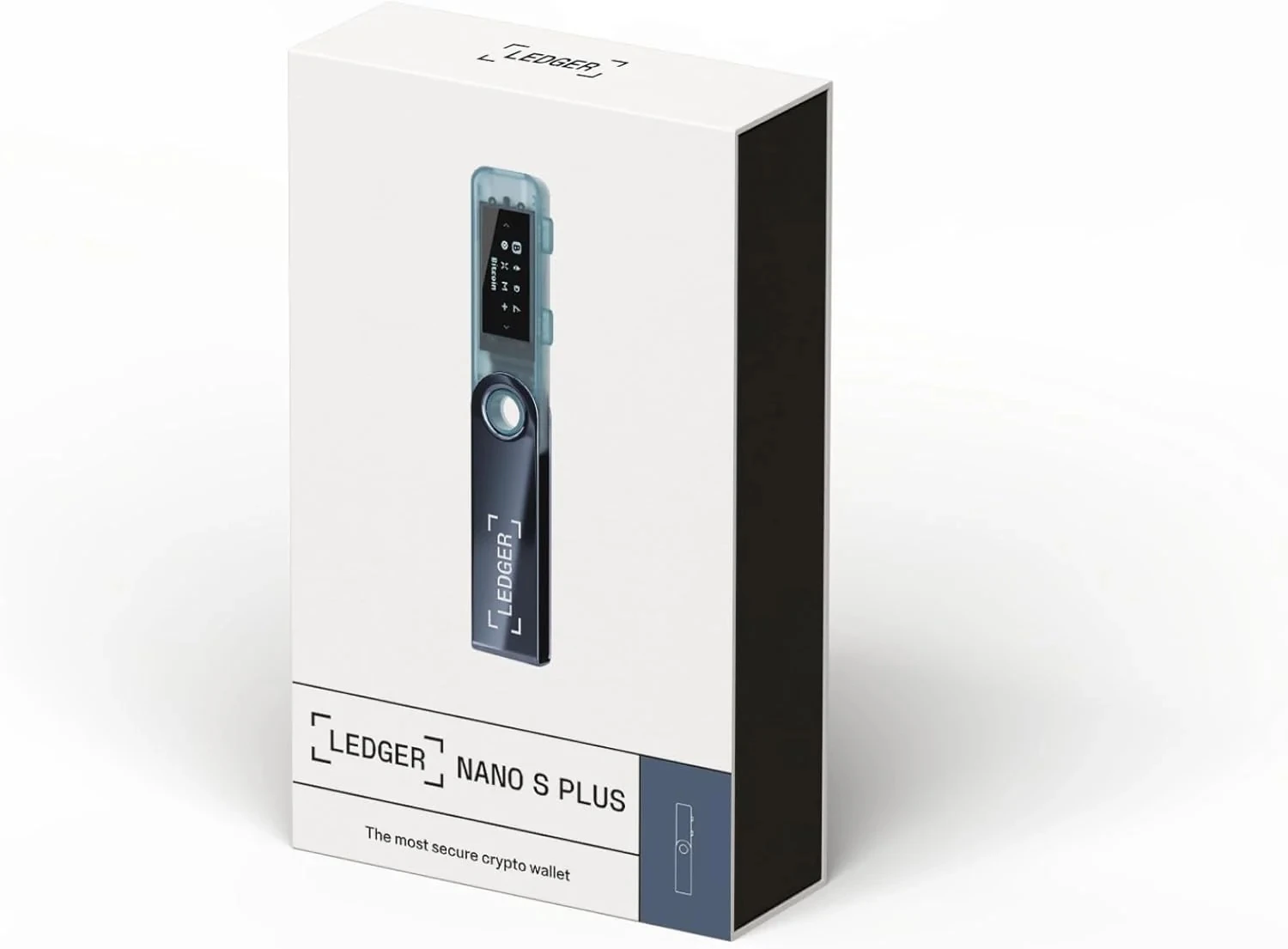
Separate the download source from the page design
Start by naming the source path. It may be a YueQianBao article, a saved browser bookmark, Ledger Wallet, or a Ledger support page. The page may contain familiar product language, but the route source is the part that can be reviewed later. If the source is unclear, do not continue through that page; reopen the download path from a fixed entry.
For the normal app route, compare your path with the Ledger Wallet download guide. That guide is useful because it treats platform choice, app name, and installation order as separate checks instead of mixing them into one instruction.
Check the installer context before running it
Before running an installer, note the platform, file name, download location, and whether the action matches what you intended. The purpose is not to inspect every technical detail manually; it is to make sure the installation step still belongs to the Ledger Wallet task you started. Avoid adding extra tools or changing system permissions when that action is not part of your own installation plan.
Confirm device state after Ledger Wallet opens
After the app opens, the relevant check moves from the browser page to Ledger Wallet and the Ledger device. The app can guide setup or a device check, while the device screen is where sensitive confirmation is reviewed. If your next step is authenticity review, use Ledger authenticity checking to keep packaging, app state, and device-screen prompts in one sequence.
For the underlying hardware boundary, the Secure Element overview explains why the device itself remains part of the review. Software pages provide instructions and status; they do not replace the device-screen step.
Record the path without recording private material
A good download record is short: source path, platform, app or installer name, device model, screen state, and next step. It should not include recovery words, PIN details, or private backup photos. If you repeat the check, change only one condition at a time, such as browser, network, cable, platform, or app restart. That makes the result easier to compare and keeps the download review anchored to observable steps.
