
A Ledger entry page should be checked by its route, its requested task, and the device-screen step it connects to. The page design can look familiar, so the useful question is simpler: where did this page come from, what does it ask you to do, and does the Ledger device show a matching action that you started yourself?
Start with the route that opened the page
Before entering information or following instructions, identify how the page was opened. A saved bookmark, a manually typed address, a YueQianBao article link, a Ledger Wallet prompt, and a temporary chat link do not carry the same context. Write down the route source, the page path, and the time you opened it. This gives you a clean reference without relying on memory.
If you need a short order for the first review, use the entry-point verification checklist. It separates source, page task, device screen, and local record so the page is not judged only by color, logo placement, or wording.
Read the page task before entering device information
The second check is the page task. A normal help or download page should explain a narrow action, such as installing Ledger Wallet, reading a support article, or checking a device state in the app. A page that changes the task into entering recovery words, sharing a screen, adding a temporary tool, or confirming something that you did not start should be paused and reviewed from a fixed entry again.
This does not require dramatic language. Treat it as a workflow mismatch. If the task is about setup, the next step should fit setup. If the task is about authenticity, it should lead to app and device-state checks. If the page asks for private backup material, move back to the recovery phrase boundary described in the recovery phrase storage guide.
Keep the recovery phrase outside online forms
The recovery phrase belongs to offline backup handling. It should not be typed into a web page, sent through a message window, placed in a screenshot, or stored in a shared document. For an entry-page check, you only need to record whether the page asked for it, not the words themselves. That keeps the record useful while keeping private material out of the review.
Use the Ledger device screen as the final boundary
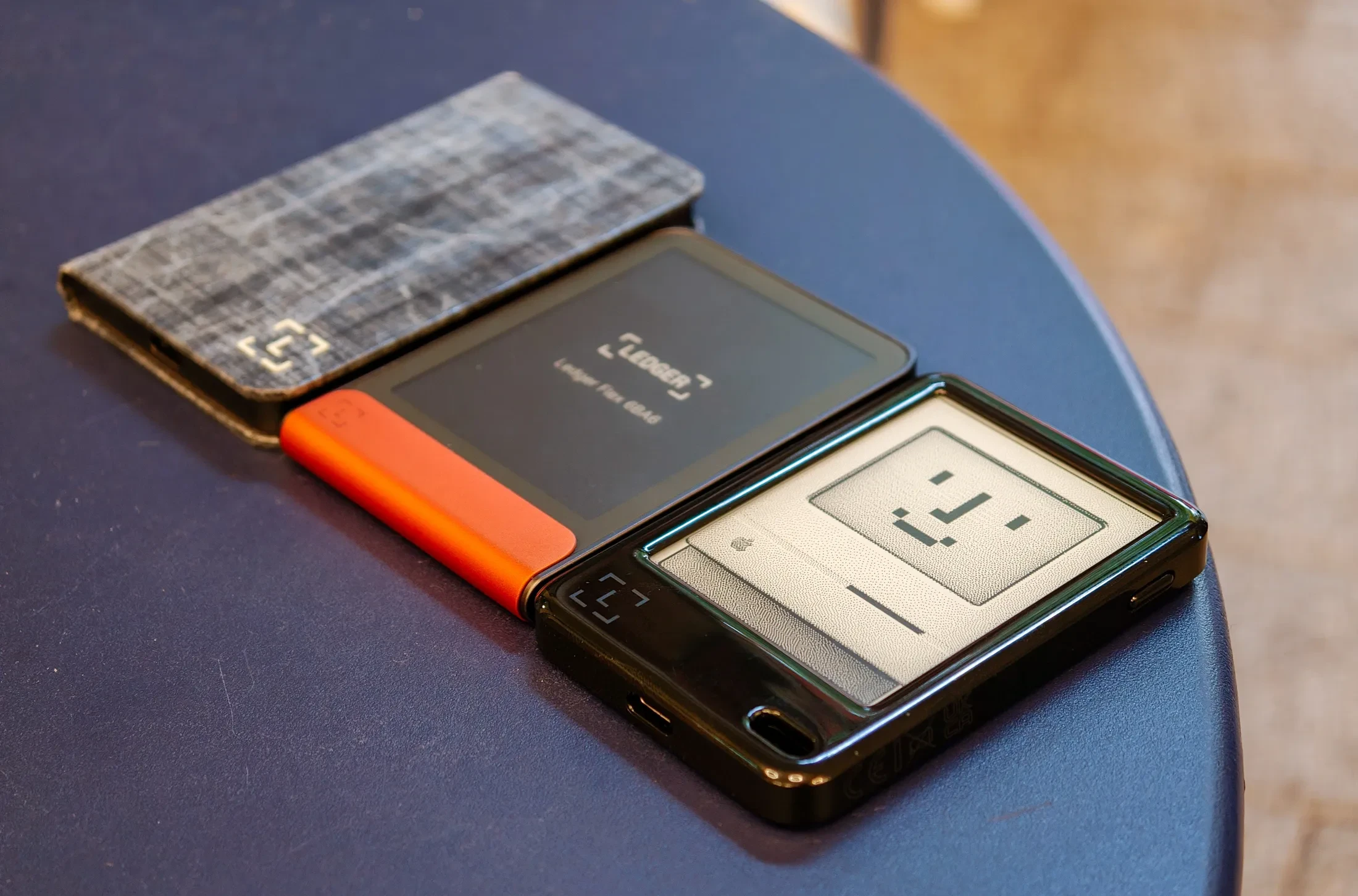
The Ledger device screen is the practical boundary for sensitive confirmation. When the page mentions an address, an app, a permission, or a device state, compare it with the action shown on the device and with the action you personally started. If the device does not show a matching step, stop the page workflow and return to a known entry.
For a broader authenticity sequence after the entry-page check, continue with Ledger authenticity checking. Keep the final note simple: page route, page task, device-screen state, and your next step. Do not include recovery words, PIN details, or private backup photos in that note.
