
Effective unboxing photos come from a small set of repeatable angles. Use label view, package corners, accessory layout, and first screen as separate records so each image answers one visible question.
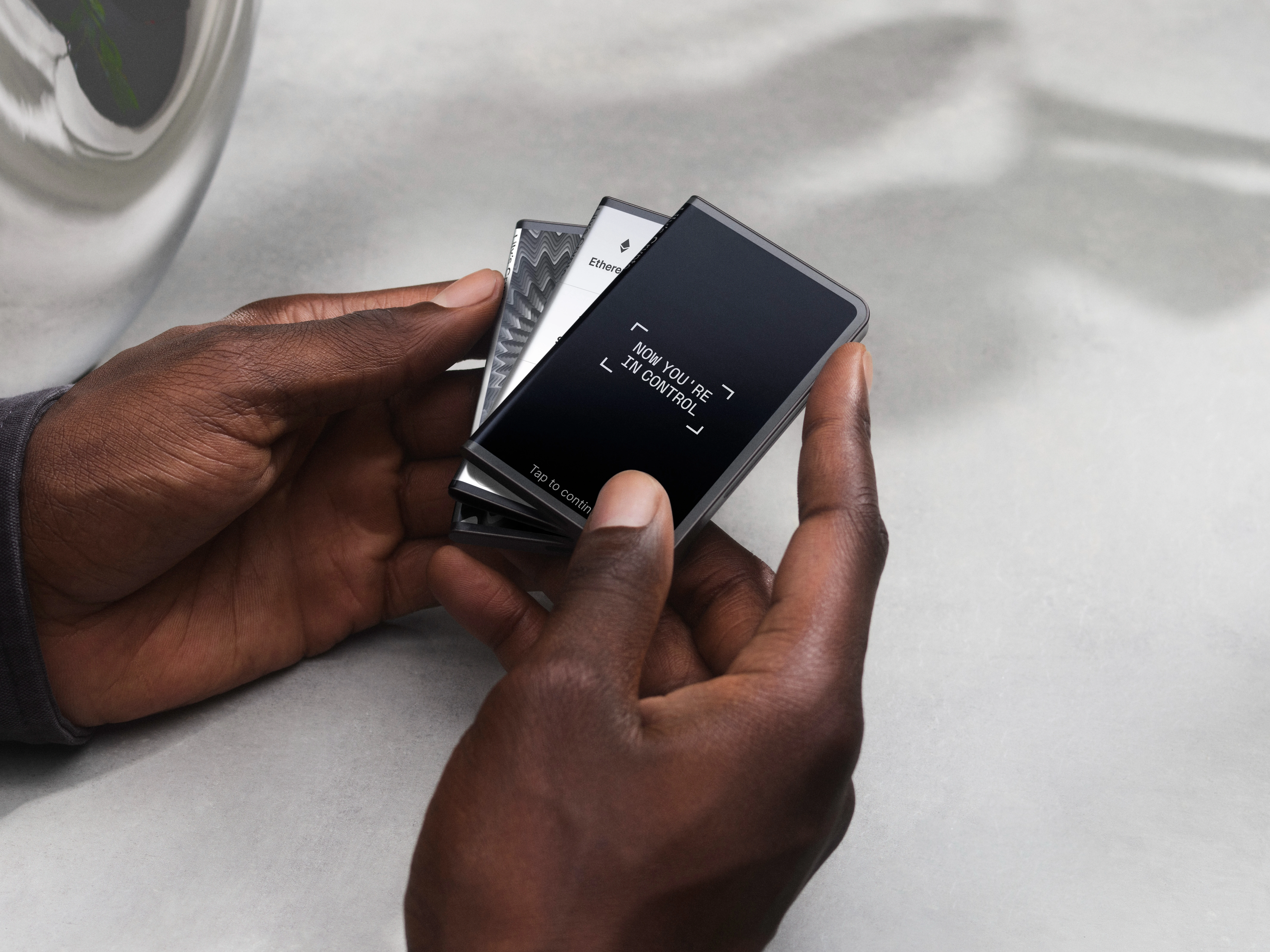
Choose four photo angles
Use a wide outer-package photo, a label-area close-up, an accessory-layout view, and a first-screen note. The unboxing photo guide gives a stable reference for naming and sequencing those views.
Use label view for page context
The label view should connect package identity, page note, and arrival date. It should not be used to make assumptions beyond what is visible in the photo and page record.
Add corner detail without guessing cause
Corner marks, light dents, and folds should be described by position and photo name. If a package mark needs a separate record, the light package dent review keeps the observation factual.
End with a screen note
After package and accessory photos are complete, add the first screen as a final image. For screen wording context, the first power-on prompt guide keeps device-screen notes separate from package photos.
