
A surface trace review should name each observation separately. Odor, dust, fingerprints, package marks, accessory layout, and screen state belong in different lines so the arrival note stays readable.
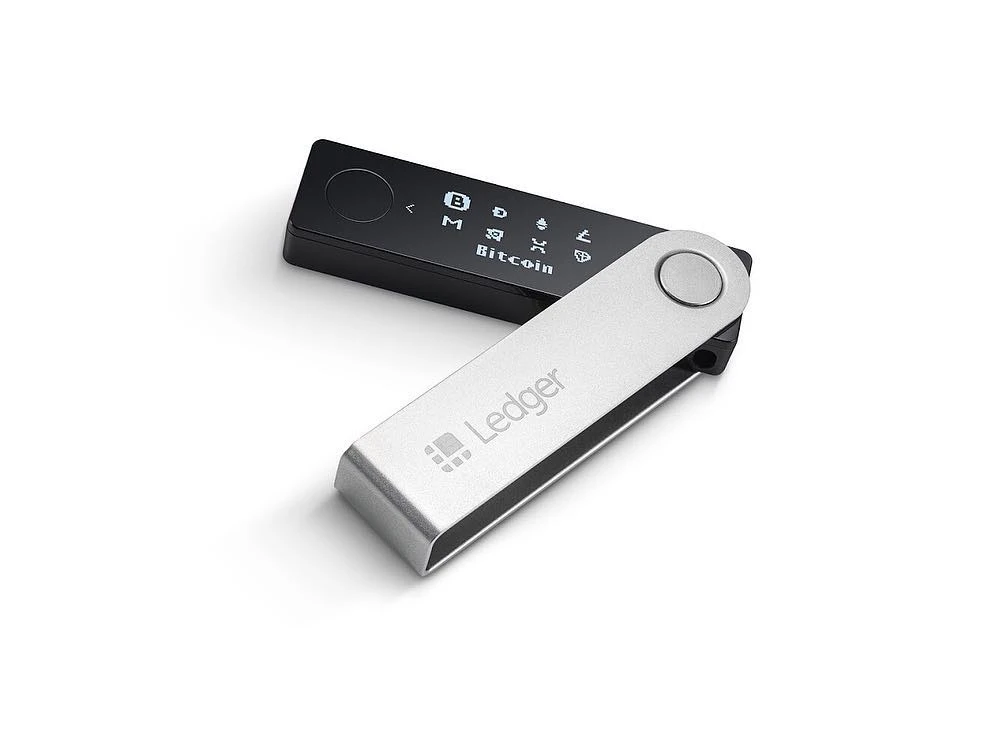
Name each surface trace separately
Use short labels such as package odor, outer dust, accessory surface, device screen, and cable area. The note should describe placement and visibility, not turn one trace into a broad conclusion.
Use photos before interpretation
Take the photo first, then write the line that explains where the trace appears. The unboxing photo guide helps keep close-up images and full-package images in a useful order.
Separate package trace from device screen
Package surface notes and first-screen notes should stay in different parts of the record. If the accessory layout also needs review, the accessory completeness record shows how item list and seal area can be paired.
Close with a short review note
End with the remaining item to check: another photo angle, accessory count, first screen wording, or app entry. The first power-on prompt guide supports the screen wording part after the surface record is complete.
