
A description consistency check compares model wording, color note, capacity text, package photos, first screen, and app-entry context. Each field should be written separately so the arrival record can be reviewed without guessing.
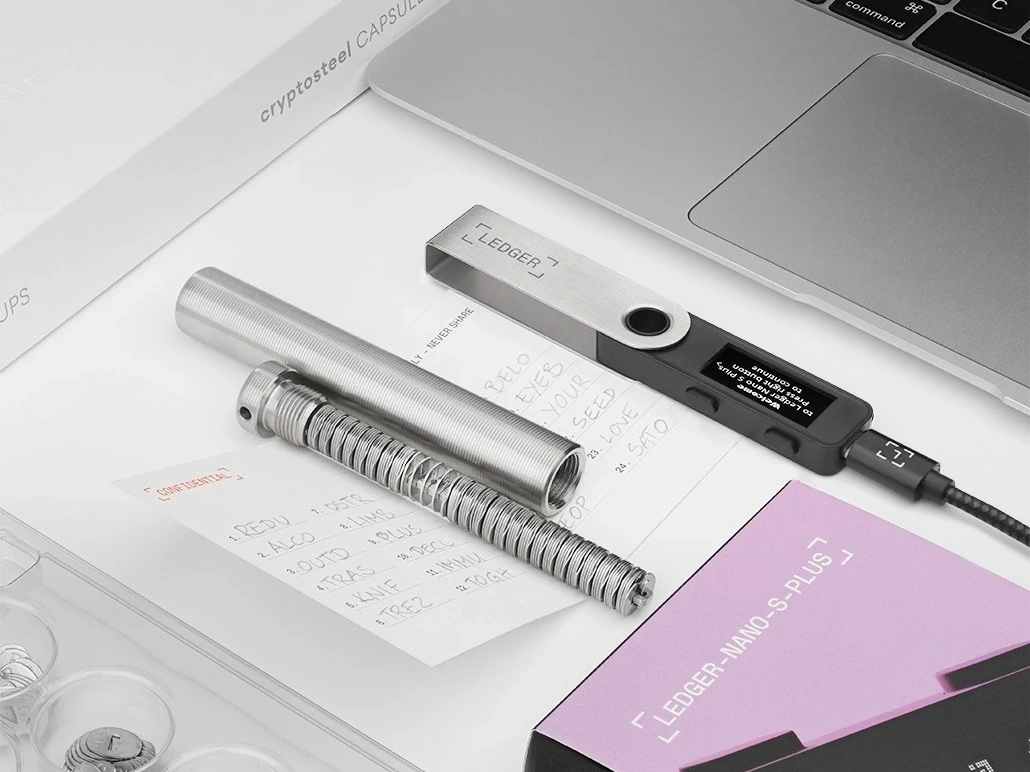
Read model wording first
Start with the product name shown in the order note, package label, and box description. Keep the wording exactly as it appears in the arrival record, then add a photo name next to each line.
Keep color and capacity as separate fields
Color wording and capacity wording should not be merged into one phrase. This makes the note easier to compare later, especially when photos and page text need to be reviewed side by side.
Use photos to anchor the description
Attach a wide package photo, a label close-up, and an accessory-layout photo. The unboxing photo-angle record gives a same-column way to name those images clearly.
Close with screen and app context
After the package description is complete, record the first screen and app entry used for the check. The Ledger unboxing notes and the official app entry guide keep the closing step tied to package, screen, and app context.
