
An appearance detail review should focus on visible parts: screen edge, frame, port area, buttons, and accessory layout. Keeping the observation narrow makes the unboxing record easier to read before the device moves into app setup.
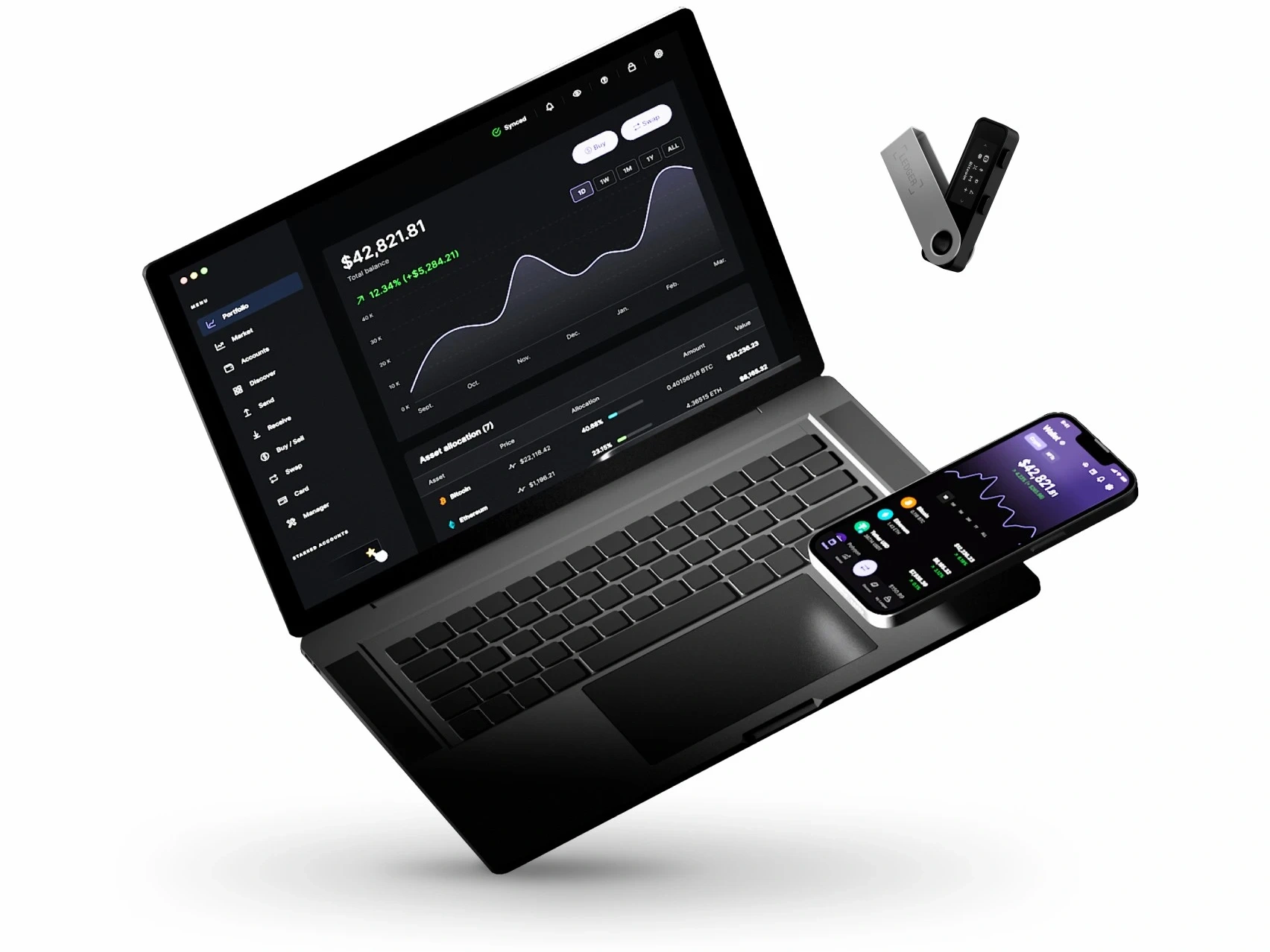
Observe the Screen Edge First
Look at the screen edge under steady light and describe only what is visible. Do not combine this note with app prompts or account views. For a broader device-arrival structure, the receiving photo record separates package views, accessories, and device state.
Check the Frame and Port Area
Move from the screen edge to the frame and port area. A good note names the side being viewed and whether the cable path is still unused or already prepared. Keep this as a visual record, not a setup instruction.
Use Accessories as Context
Place the accessory set beside the device so the photo note shows what was reviewed together. The Ledger accessory checklist helps keep box contents, cable type, and local notes organized.
Close With One Photo Note
End the appearance review with a single photo note: screen edge, frame, port area, and accessory layout. If the next step is first use, move to the daily Ledger use flow instead of extending the appearance record.
