
A non-first-use state record is an unboxing note, not a final conclusion. Keep it grounded in what can be seen: seal area, screw view, serial note, package photos, and whether the device-start context matches the expected first review.
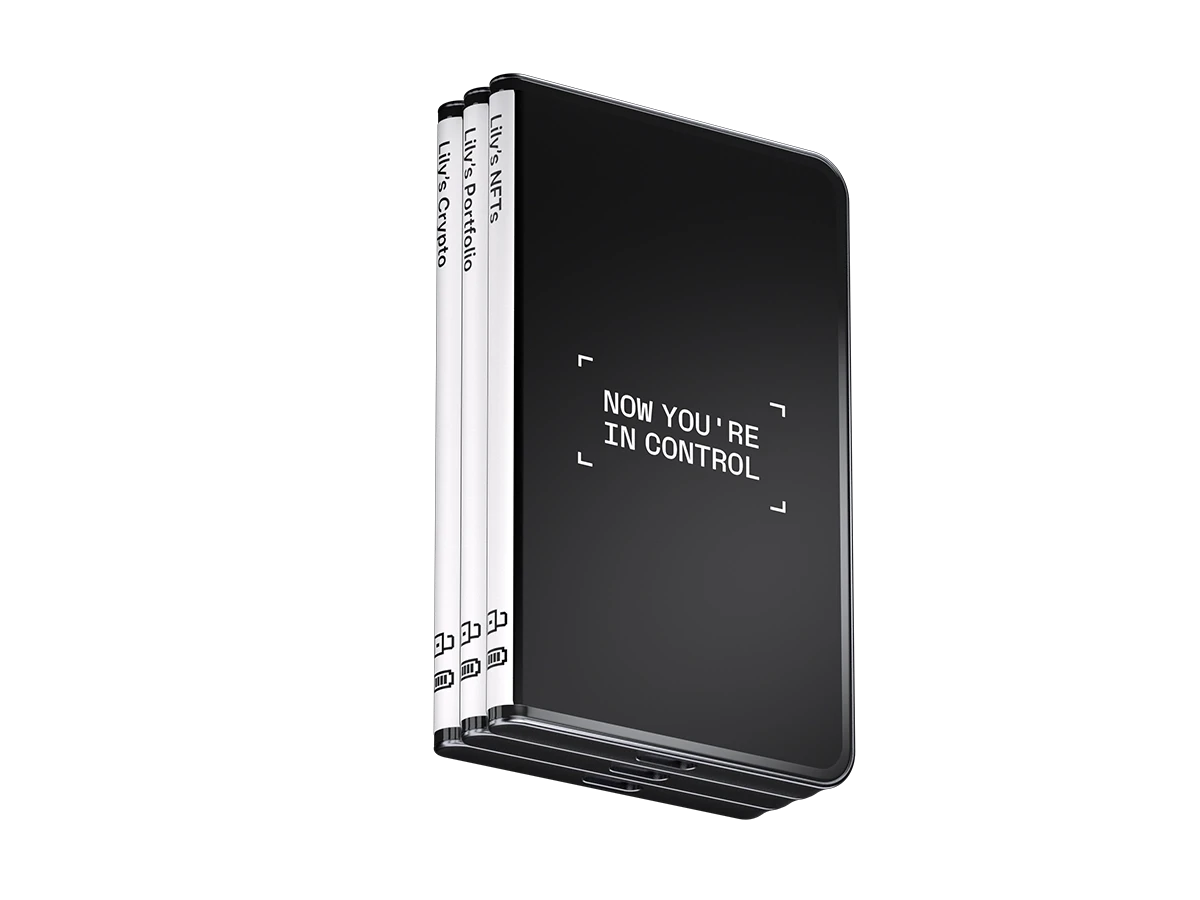
Begin With the Seal Area
Photograph the seal area before changing the package state. The accessory completeness review keeps seal area, item list, and screen record in a practical order.
Add Screw View and Serial Note Separately
A screw view belongs beside the physical photo set. A serial note belongs beside the box and label record. Keeping them separate makes the record easier to review later.
Use Photo Angles to Avoid Ambiguous Notes
Good lighting and fixed angles reduce confusion. For photo framing, use unboxing photo angles as the companion record for label view, corner detail, and screen note.
Stop Before Sensitive Setup Material
The record can mention whether setup has begun or whether the first prompt is unclear. It should not include recovery phrase words, PIN values, or private account screens.
