
Packaging batch variation notes help prevent overreading small visual differences. Box text, label layout, accessory placement, and first device state should be recorded separately. The record should describe what is visible and then move to the next check only when needed.
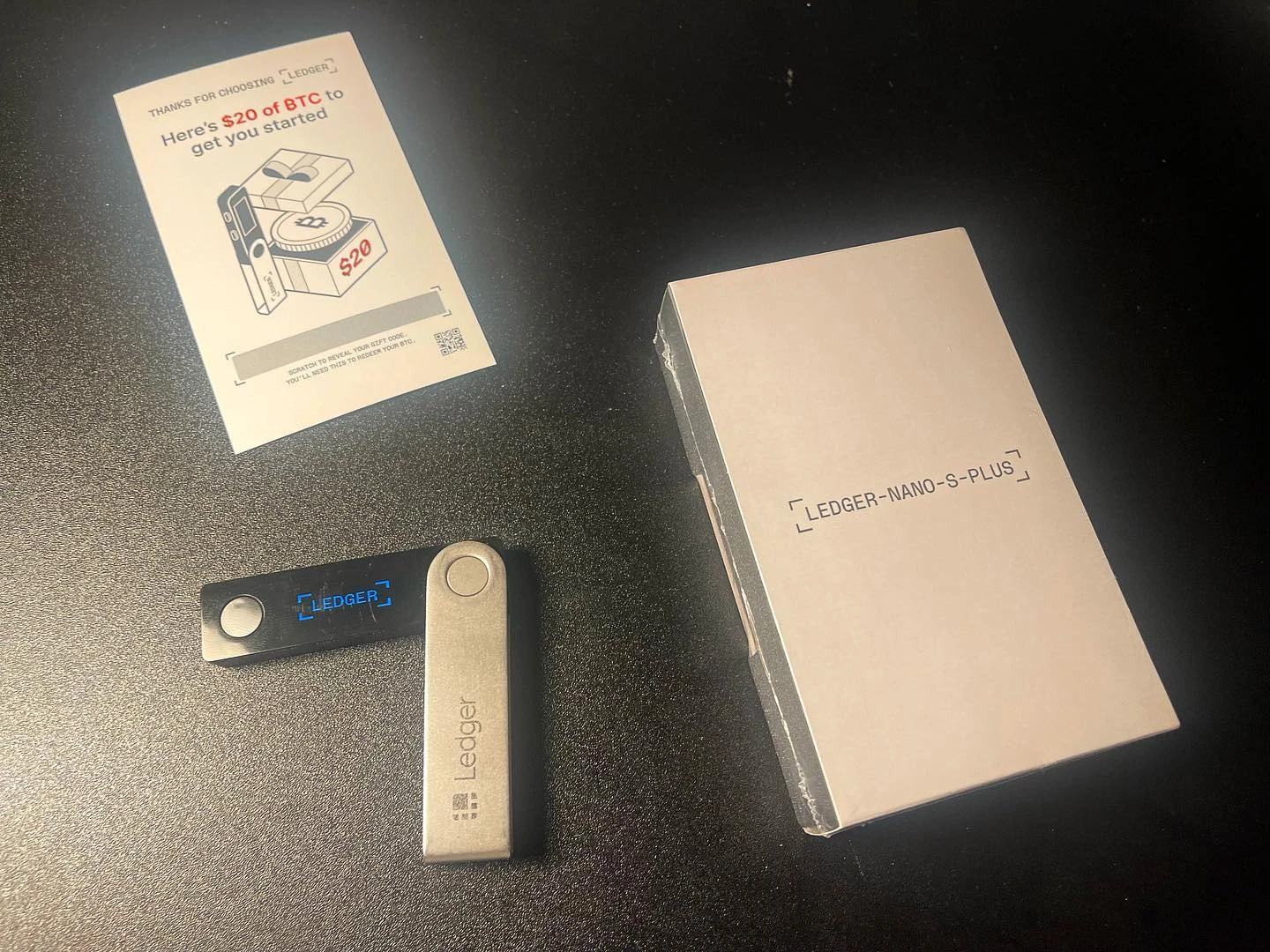
Compare Box Text Without Guessing
Start with the printed box text and label position. Write what is different in plain words: wording, placement, color block, or layout. If label text needs its own check, the label text consistency check keeps waybill note, box description, and photo record together.
Separate Batch Variation From Box Condition
A packaging variation note is not the same as a box-condition note. Keep dents, corner state, and delivery marks in the package record, while layout or text differences remain in the batch-variation note.
Use Accessories as a Second View
After opening the package, compare accessory placement and item layout as a second view. The accessory completeness review helps keep item list, seal area, and screen record separate.
End With Device State
When the device is first powered on, record the screen state and stop the batch note there. For a broader arrival record, the new Ledger arrival check connects packaging, accessories, and pre-setup review.
