
A Ledger seal photo record should show the package context before it focuses on any close-up detail. Use box edge, label view, seal area, accessory layout, and first screen as separate photo groups.
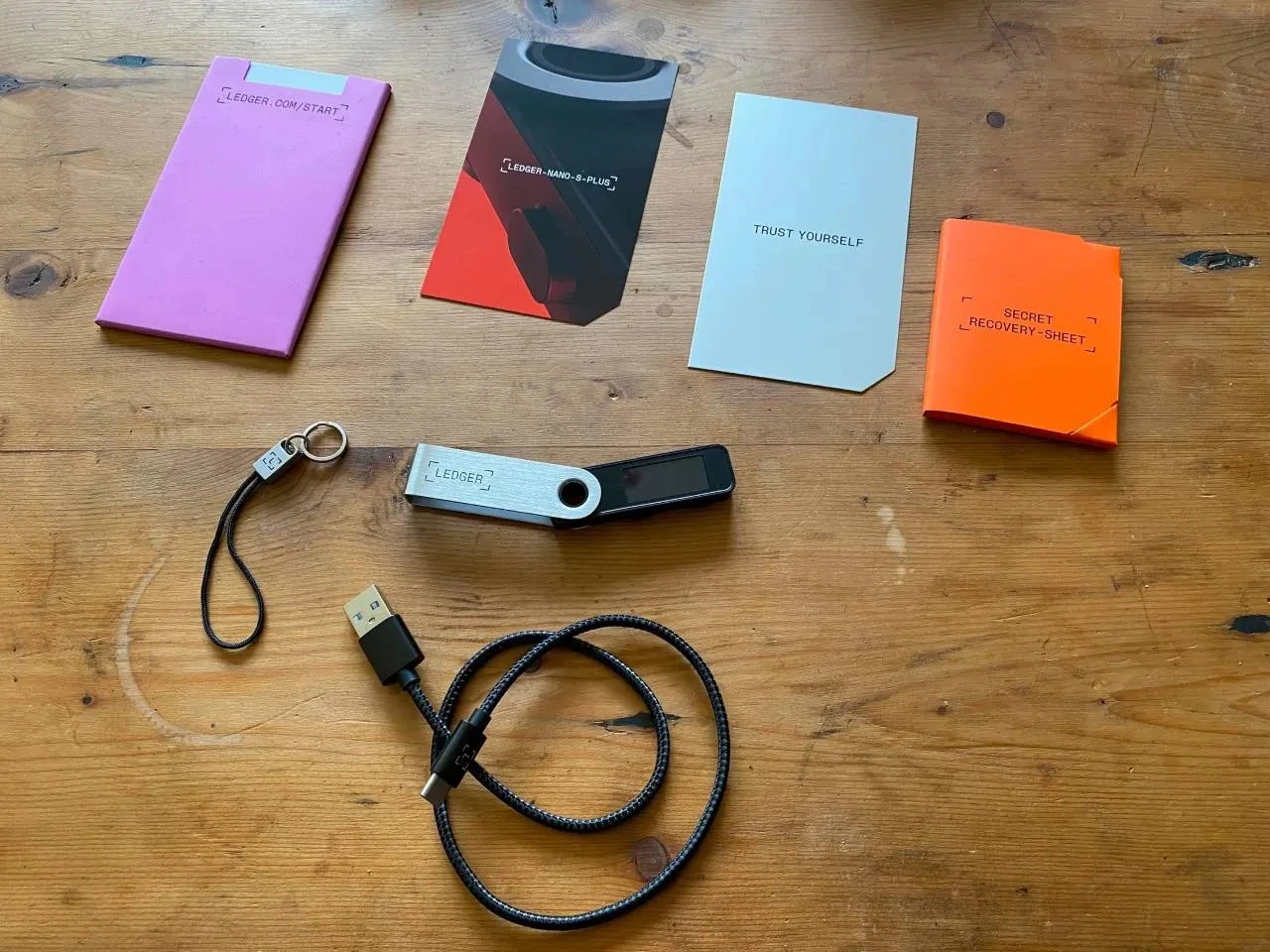
Photograph the box edge first
Start with a wide photo that includes the outside package and box edge. This makes the seal-area close-up easier to understand later.
Add label view before close-up detail
Use a label-area photo before any seal close-up. The unboxing photo guide helps keep full-view photos and close-view photos in the right order.
Pair seal area with accessory layout
The seal-area photo should be followed by an accessory-layout photo, so the record connects outside package, inner contents, and the first device state. The accessory completeness record shows a same-column way to pair those notes.
Close with device state and next photo need
End with the first screen state and whether another photo angle is needed. The arrival seal review and the photo-angle record keep the final note tied to package, photos, and screen context.
