
A packaging state consistency review should stay calm and evidence-based. Look at the outer box, seal area, accessory layout, and first screen prompt in order. Each observation should stand on its own, so the record stays useful without overstating a packaging difference.
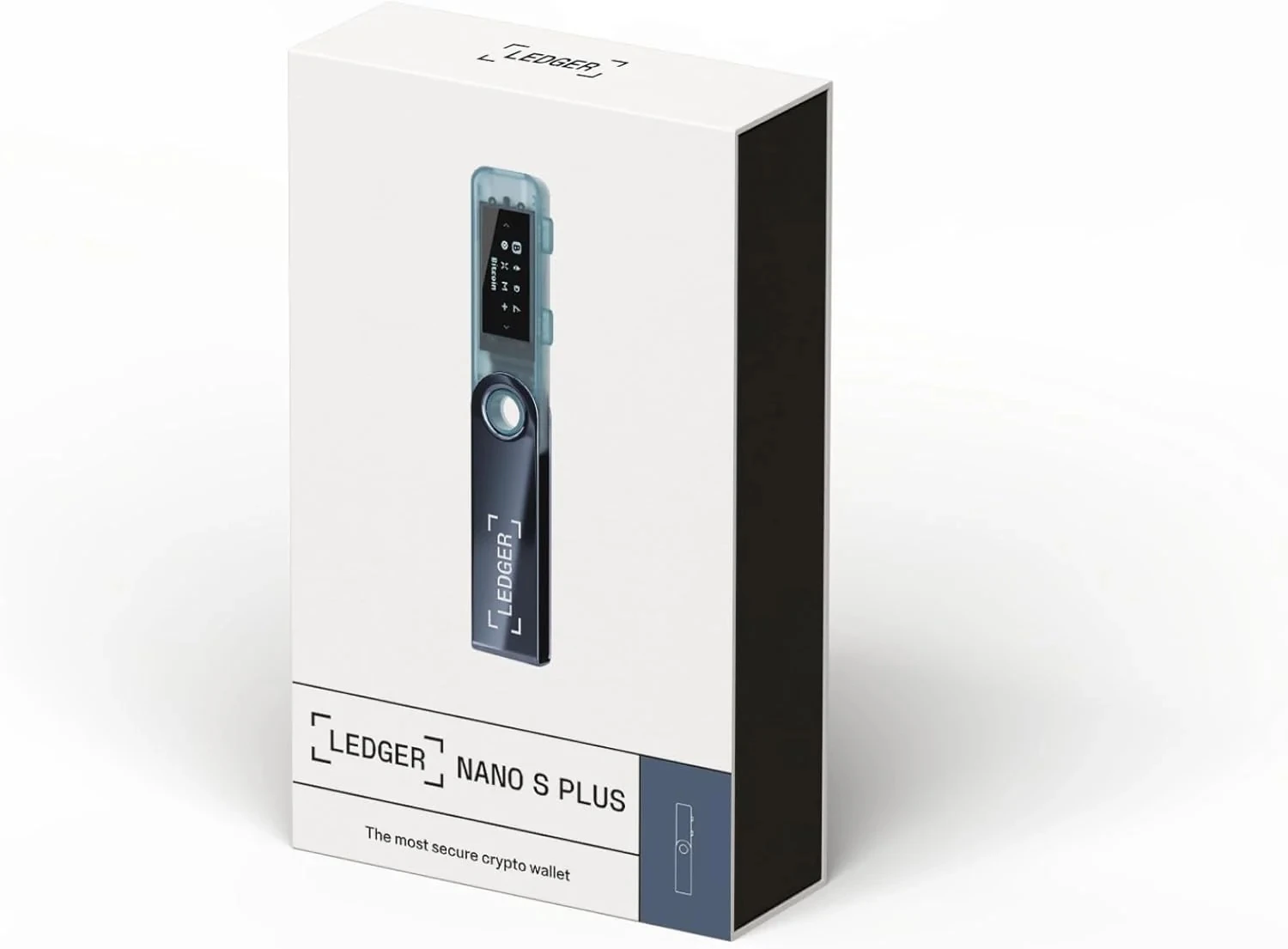
Start With the Outer Box View
Take a full outer-box view before opening the package. Include the front, edges, and any visible label area. The unboxing photo angles guide is a practical reference for keeping photo views consistent.
Describe the Seal Area as a Visual Detail
Write the seal-area note as a visual detail: location, surface, and whether the box is still unopened at the time of the photo. Avoid turning the note into a broader conclusion before accessories and screen state are reviewed.
Match Accessories With the Box Record
After opening the package, place accessories and printed items in one view. The Ledger accessory list check helps keep item names, cable type, and local record in a separate checklist.
Finish With the First Screen Prompt
Power on the device only after the package record is complete, then note the first screen prompt. If the next step is daily use, the daily Ledger use flow can take over from the packaging record.
