
The recovery phrase belongs to the offline backup record shown by the Ledger device screen. Ledger Wallet helps with connection and account viewing, but it does not need the full recovery phrase typed into ordinary software, browser pages, documents, or messages.
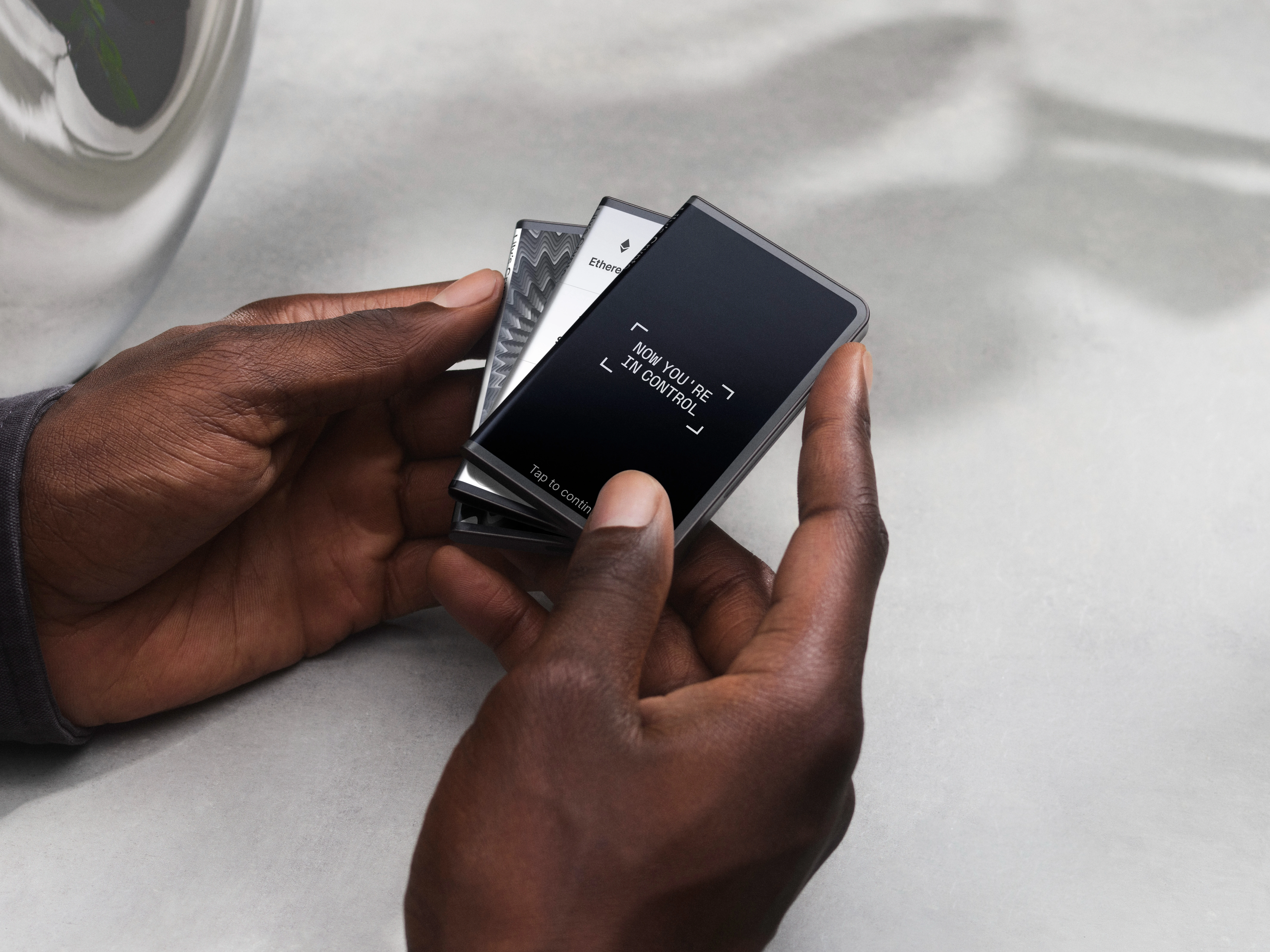
Separate the device screen from the app interface
The hardware screen is where setup prompts and phrase display happen during initialization. Ledger Wallet is the app interface used for connection, account view, and device management. If the reader needs the broader setup sequence, the first-time initialization flow shows where the device screen fits.
Keep the recovery phrase as an offline record
Record the phrase in order on an offline medium and review spelling and numbering carefully. Do not type the words into a computer note, phone note, browser form, or chat. For a focused explanation of the phrase itself, continue with the recovery phrase guide.
Use PIN and app lock as separate controls
The device PIN, local app lock, and recovery phrase are not interchangeable. PIN review belongs to the device screen, while app lock belongs to Ledger Wallet access on a computer or phone. The PIN boundary can be reviewed with the Ledger PIN guidance.
Review the backup record without exposing the words
A backup review can check storage location, numbering, spelling confidence, and whether the record remains readable, but it should not copy the words into ordinary software. If a final post-setup review is needed, use the post-initialization checklist and keep the phrase itself offline.
