
Restoring a Ledger wallet usually happens after moving to a new device, resetting a device, or restarting setup. The process should begin with the recovery phrase record, continue on the hardware screen, and finish with Ledger Wallet connection and account-view checks.
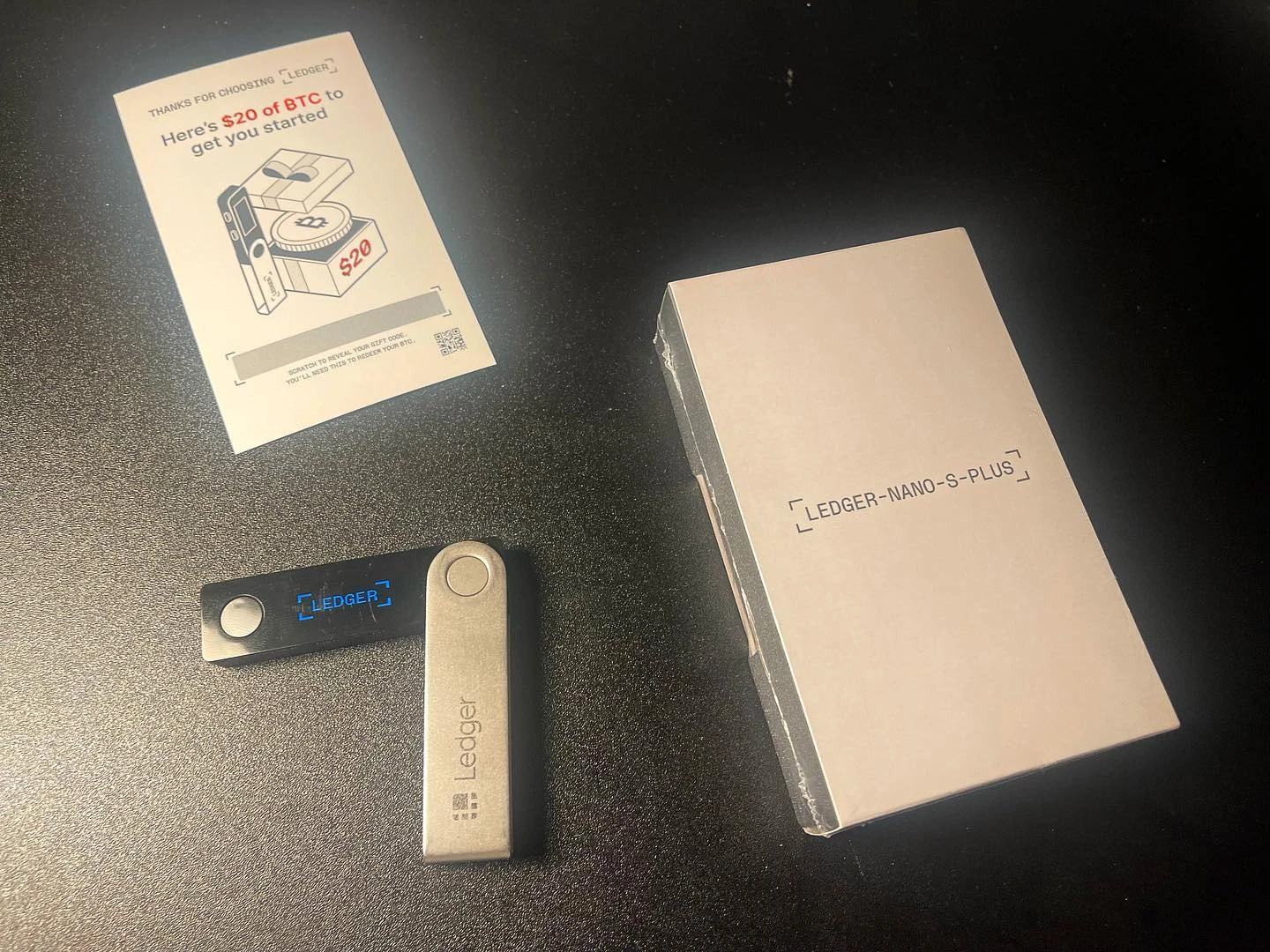
Check the recovery phrase record before starting
Make sure the recovery phrase is complete, readable, and in the original order before opening the restore path. If the phrase concept needs review, start with the recovery phrase guide. The phrase is not a normal Ledger Wallet login field.
Use the device screen for the restore path
On a new or reset device, follow the device screen to choose the restore flow and enter the phrase only through the hardware device. If you are comparing this with a first setup, the first-time initialization flow shows the difference between creating a new setup and restoring an existing record.
Set the PIN after the restore flow is clear
The device PIN belongs to the hardware device and is handled after the restore path reaches that step. Keep the PIN separate from the recovery phrase record. For the PIN boundary, use the Ledger PIN guidance as a separate reference.
Reconnect Ledger Wallet and review account view
After the device restore step is complete, open Ledger Wallet and check device recognition, account view, and app pages. A final review can include phrase record location, PIN recall, app version, and account display. For a shorter post-setup review, continue with the post-initialization checklist.
