
If the Ledger PIN is forgotten and the recovery phrase record is complete, handle the situation in a calm device-side order: confirm the phrase record, reset or restore according to the device screen, set a new PIN, and then check Ledger Wallet recognition. The PIN and recovery phrase should remain separate records.
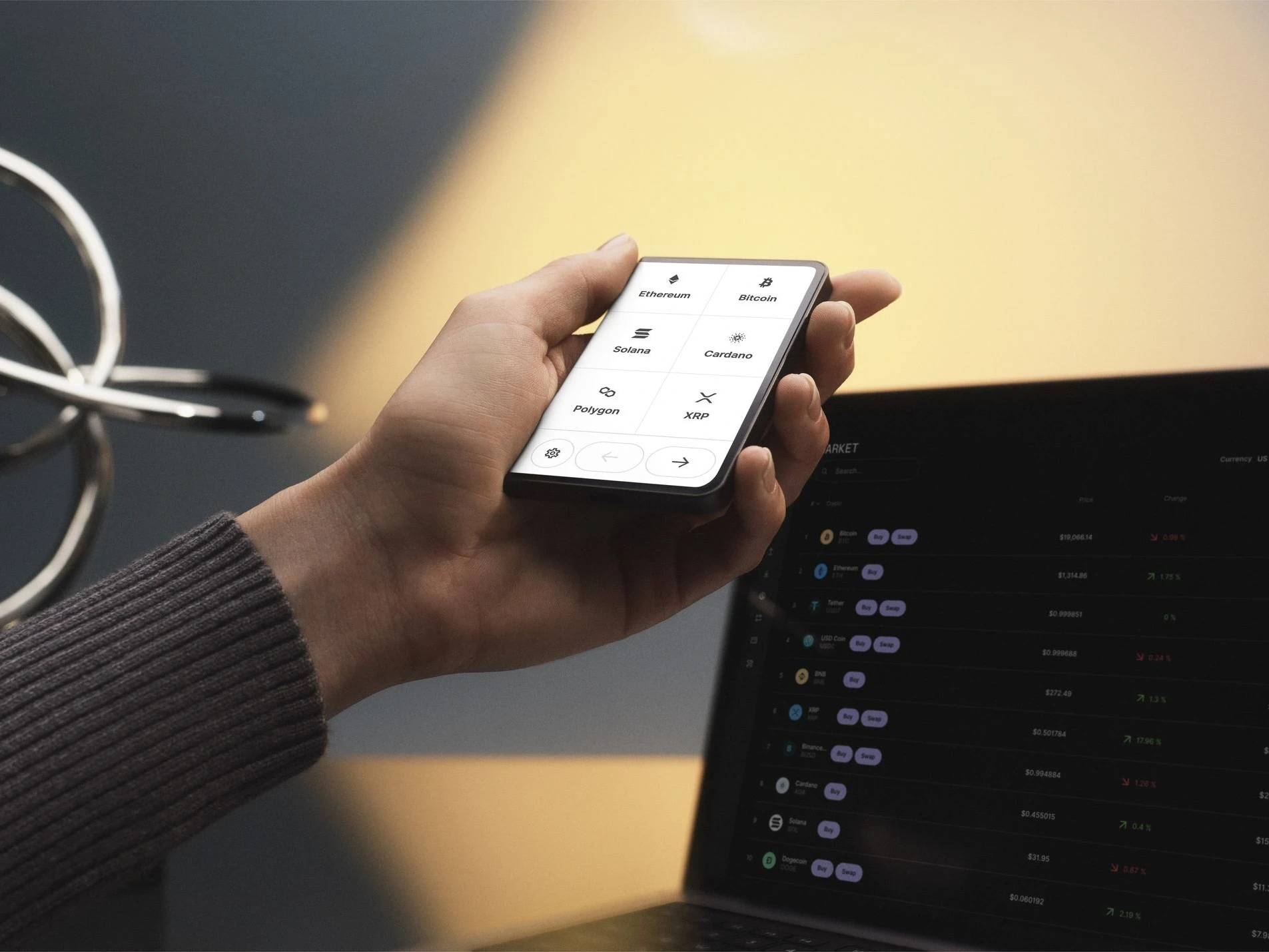
Confirm the recovery phrase before reset
Do not start by guessing the PIN repeatedly. First confirm the recovery phrase order, spelling, and offline record. For the concept and boundary, use the recovery phrase overview. If the user needs a phrase review method, use the recovery phrase verification guide.
Use the device screen for restore steps
When the device moves to restoration, the recovery phrase should be entered on the Ledger device. Do not move it into a website, chat, or unrelated app field. If the device was reset after repeated wrong PIN attempts, compare the state with the device reset after PIN attempts guide.
Set a new PIN after restoration
After the restore flow reaches the PIN step, create and confirm a new PIN on the device. For the PIN boundary, review Ledger PIN setting tips. The new PIN unlocks the device; it does not replace the recovery phrase.
Run the final Ledger Wallet check
Once the device is restored and unlocked, open Ledger Wallet and check recognition, device app state, and version prompts. If the user is unsure whether a full re-initialization path is needed, the re-initialization checklist helps keep the next step tied to device state.
