
After a Ledger device powers on for setup, the PIN step should stay on the device screen. The PIN unlocks the device for normal use; it is not the recovery phrase and should not be treated as a backup record. Read the screen carefully, enter the PIN on the device, and confirm it before moving to the next setup layer.
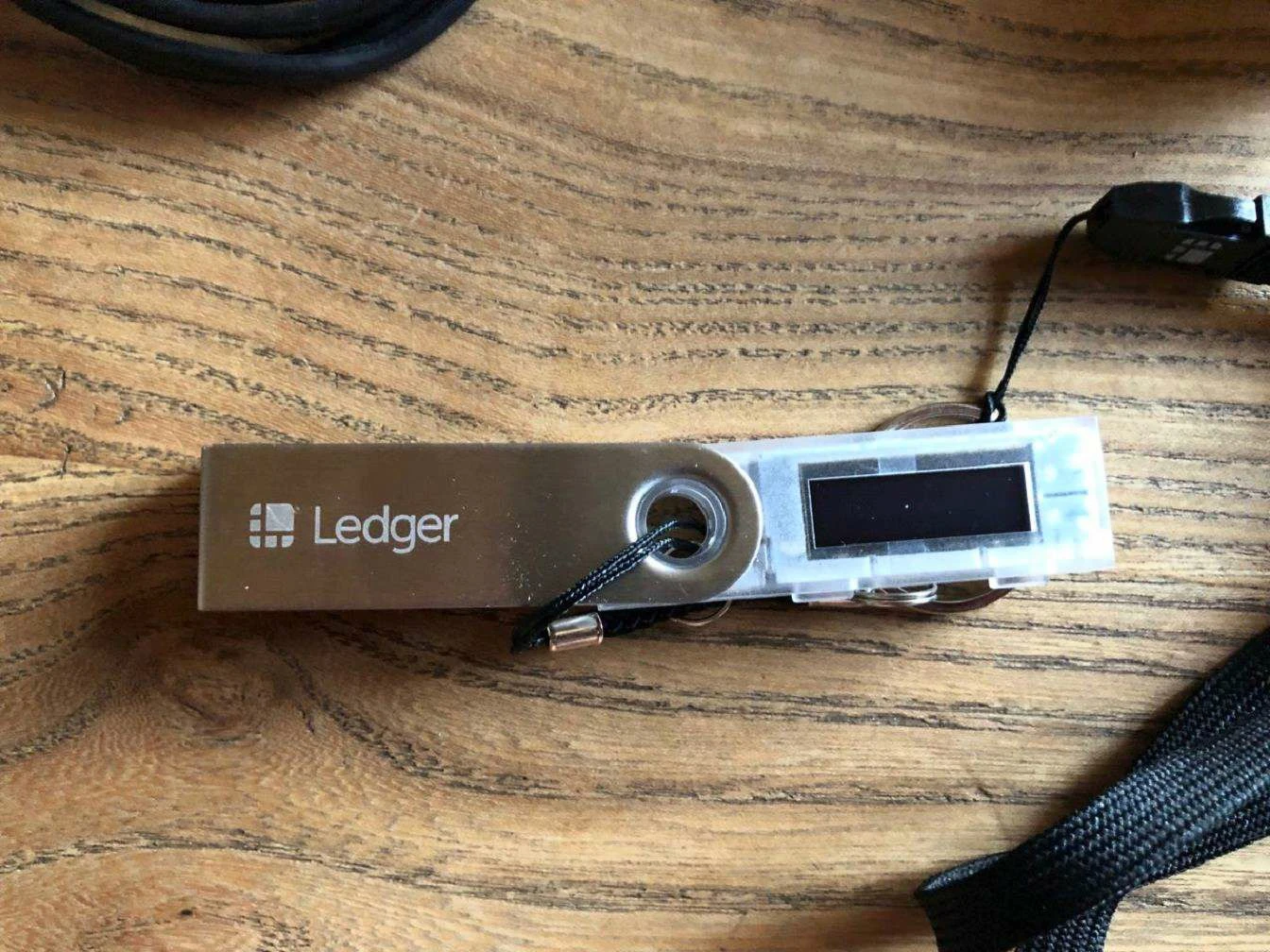
Enter the PIN on the device only
The PIN is created and confirmed on the Ledger device. Do not type it into a computer page or phone page. If the app shows instructions, use them as context, but keep the entry on the device screen. For general PIN guidance, review Ledger PIN setting tips.
Confirm the PIN before continuing setup
After the first entry, the device usually asks for confirmation. Treat the confirmation step as part of setup, not as a separate troubleshooting issue. If the entered digits do not match, return to the prompt and set a clear PIN again before proceeding.
Keep PIN and recovery phrase boundaries separate
The PIN unlocks the device. The recovery phrase restores the device state when needed. They should not be stored or used in the same way. For the backup layer, compare with the recovery phrase overview. For setup mistakes to avoid, use the initialization missteps guide.
Review the unlock state after setup
Once setup moves forward, lock and unlock the device once to confirm the PIN was recorded correctly by the user. Then continue with Ledger Wallet pages and device app checks. If a device resets after repeated failed PIN attempts, use the device reset after PIN attempts guide for the next reading path.
