
A Ledger device can power on through a USB-C cable and still fail to connect, because charging and data transfer are different functions. Treat the cable, computer port, adapter, Ledger Wallet state, and device screen as separate checks. This avoids blaming the device too early and gives support a clear record if the issue continues.
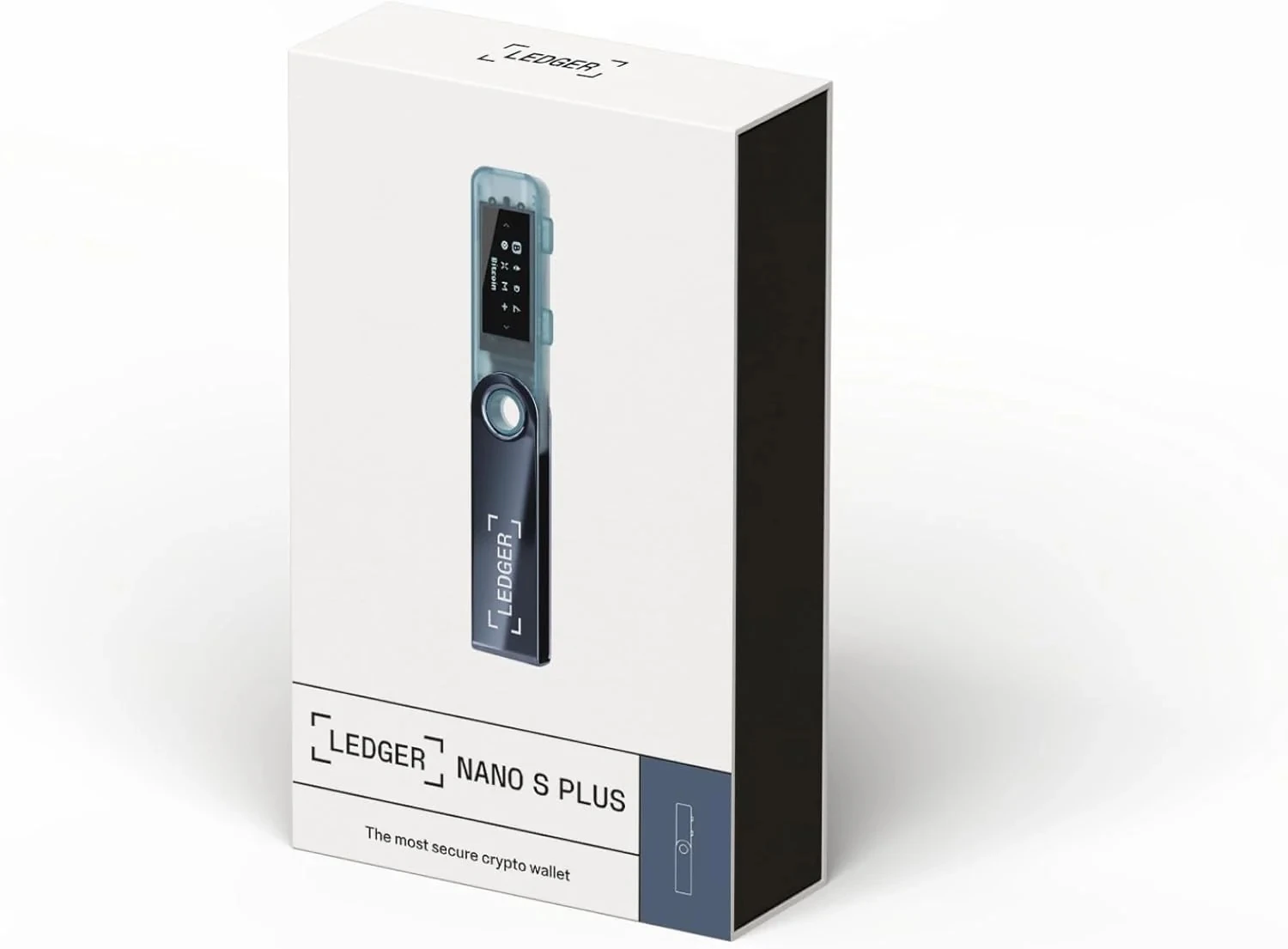
Why can a charging cable fail a Ledger connection check?
Some USB-C cables are built for power only. They can wake the device but cannot carry the data needed for Ledger Wallet to detect it. If the device lights up but the app does not recognize it, switch to a known data-capable cable before changing software settings. A related device-detection path is explained in Ledger USB-C cable checks.
Check the connection path in order
- Unlock the device and keep it on the expected screen.
- Use a data-capable cable, not a charging-only cable.
- Try a direct computer port before using a hub.
- Remove adapters one at a time and record the result.
- Restart Ledger Wallet only after the cable and port path is clear.
What should be recorded after each change?
Record the cable type, port used, adapter or hub, device model, Ledger Wallet version, and screen message. Do not record PIN codes or recovery words. If the issue began after an update prompt, compare the timing and preparation steps in Ledger firmware update timing.
When does the issue move beyond cable checks?
If two data-capable cables and a direct port produce the same result, move to system permissions, app state, and device prompt review. If an update stops during this process, read what to check when a firmware update stops midway before retrying repeatedly.
