
A similar-looking Ledger device should be reviewed through observable states, not through guesses about a channel or a seller. The practical path is to record the package, compare the accessory set, read the device screen, and then use the fixed Ledger Wallet entry for the official device check. This keeps the article focused on verifiable steps and avoids turning appearance questions into broad anxiety.
Record packaging before changing the state
Start with the outer box, labels, seal area, accessory placement, and printed material. Use photos and short notes to capture what is present before connecting the device. For the broader arrival sequence, What to Check When Unboxing gives a clean order for packaging, accessory, and device observations.
Read the Ledger device screen directly
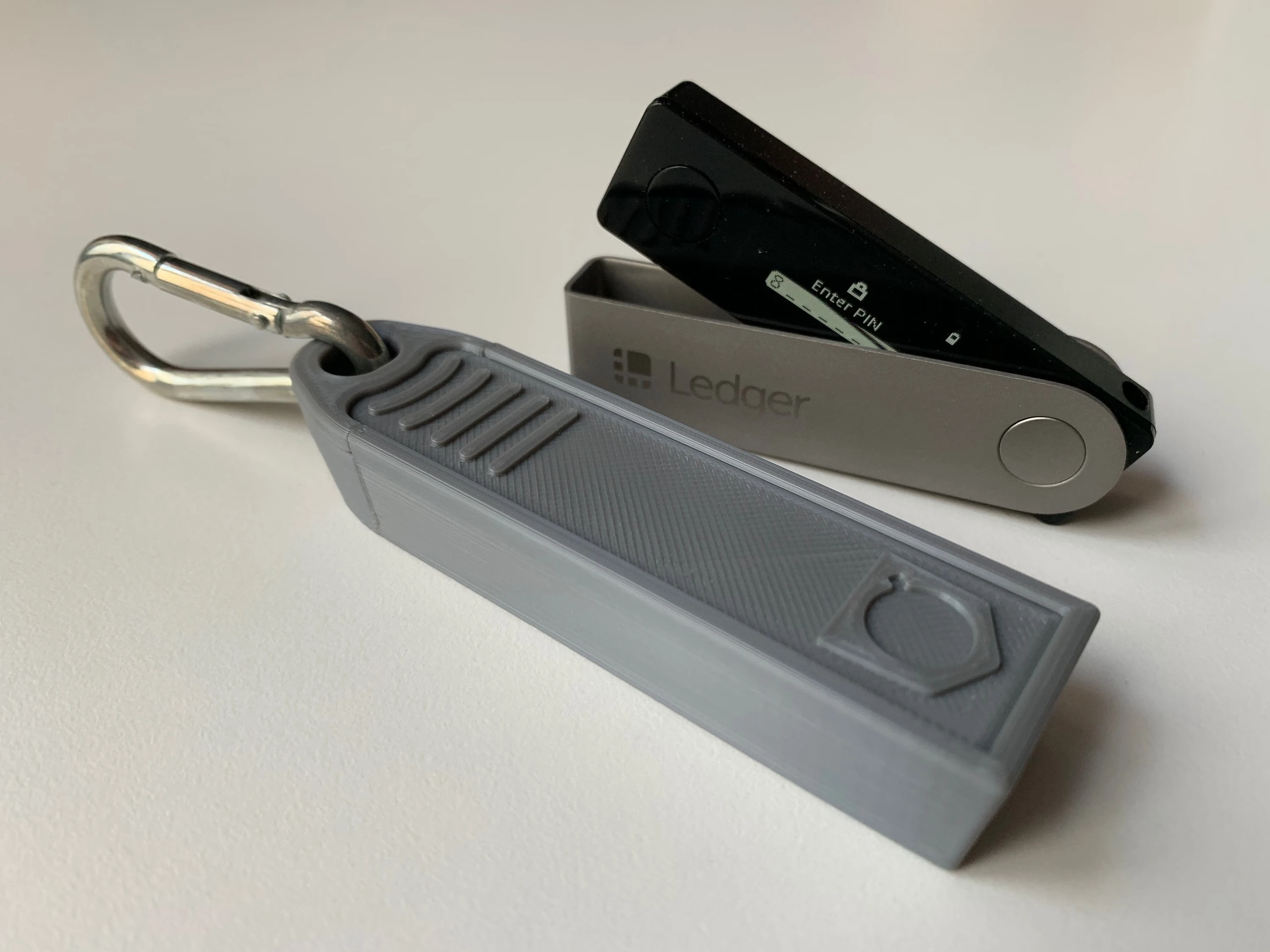
The device screen is a separate source of information from the computer or phone page. Note the language, startup state, button prompts, and whether the device appears ready for first setup. If the screen task is unclear, pause and return to a setup-oriented guide such as What Is Ledger Initialization before moving forward.
Use the app entry only for source confirmation
When Ledger Wallet is needed, open it from a fixed entry and keep the app task narrow: identify the device, follow the official check, and compare the prompt with the screen. The app entry itself should not become a place to record private backup material. Download-entry checks are covered in Ledger Wallet Download and Installation Guide.
Close with a local review note
After the check, keep a short note with date, package state, accessory count, screen state, app entry, and next step. Do not record PIN details or recovery phrase words. If any state cannot be matched, repeat the same four-part review rather than adding new assumptions. The goal is a clear chain of observed states: package, accessory, screen, and app entry.
