
A Ledger unboxing checklist should keep packaging, accessories, and first screen in separate lines. That makes the record easier to review before setup and avoids mixing observations with conclusions.
Start with a packaging note
Record box condition, label area, and the date of the check. For the wider unboxing context, see the Ledger unboxing notes.
Add accessories as a separate list
List cable, cards, inserts, and model-specific items separately from the device screen. Accessory details can be compared with the accessory checklist.
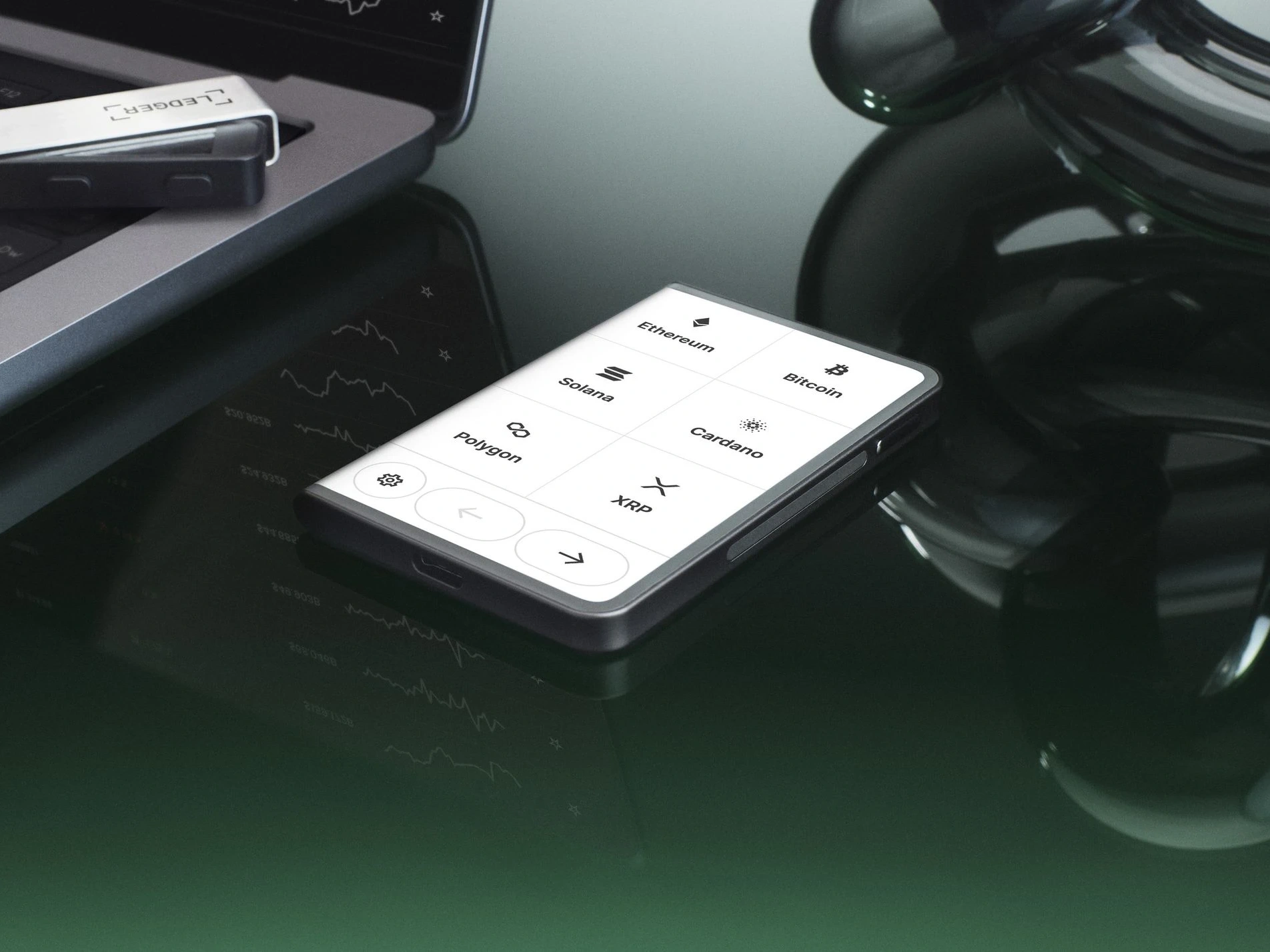
Record the first screen prompt
Power on the device and write the first visible prompt in plain language. If the setup path pauses, the setup continuation guide helps define the next state.
Keep setup material out of the checklist
The checklist should not include PINs, recovery phrase words, or private setup details. It should only preserve packaging, accessory, screen, and entry information.
