
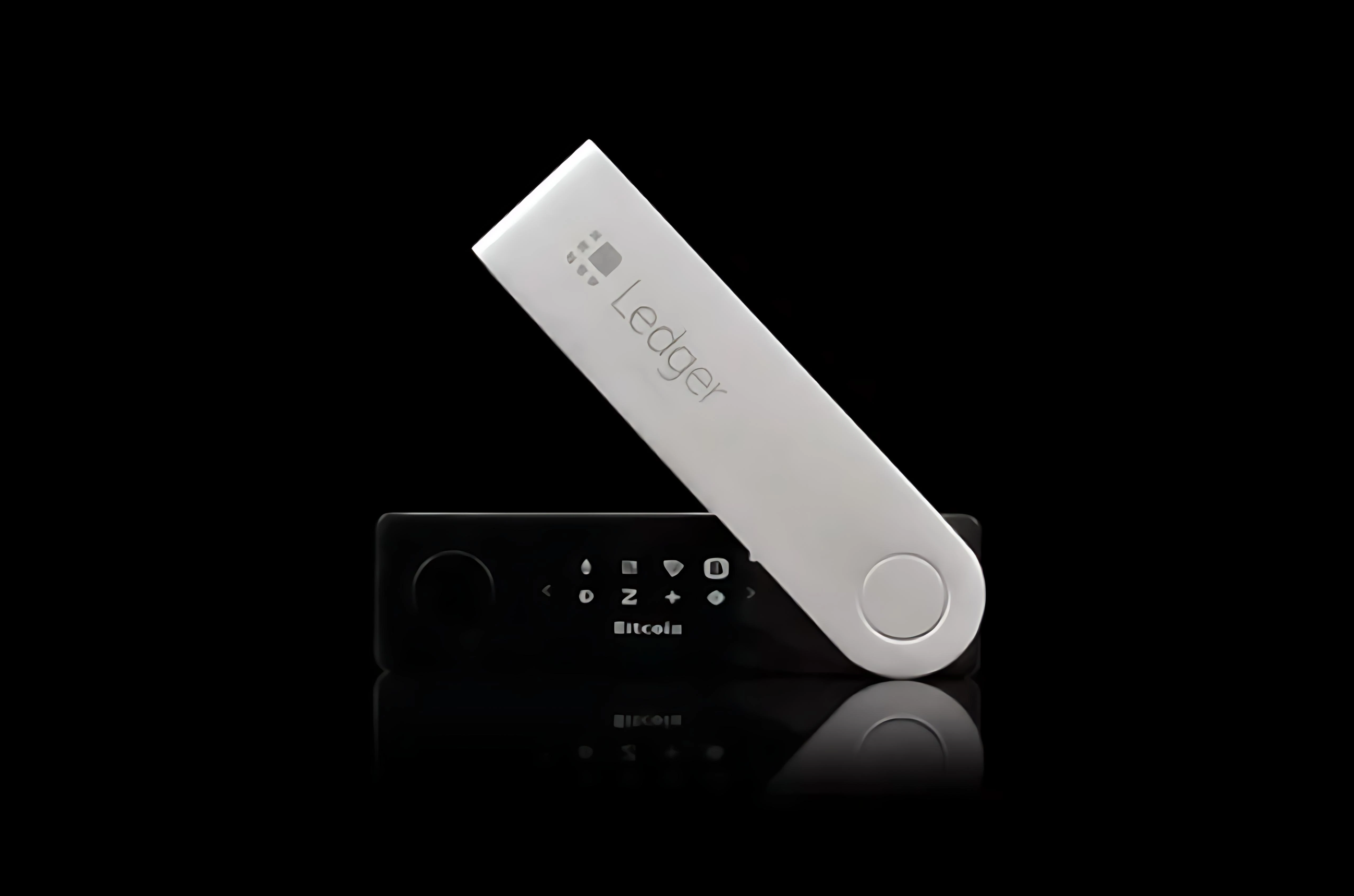
Intro: Some users have received "customs additional info" or "duty notice" SMS, claiming to relate to their device order, with short links or QR codes demanding immediate document uploads, duty payment, or file downloads. Here's the breakdown of common impersonation chains and risk signals — so you can judge authenticity before clicking, and avoid leaking personal or wallet info.
Background
Attackers exploit information gaps in cross-border customs clearance, posing as courier/customs support. SMS or DMs include order numbers and recipient names for credibility. Short links usually redirect first to imposter logistics pages, then to ID-upload forms, verification-code entry, or "duty" payment.
Some prompt you to download a "duty payment helper" or PDF — actually malware or auto-fill harvesters.
Common impersonation chains
1) Multi-hop short links: SMS → high-fidelity logistics page → payment form; the domain doesn't match official, certificate info is blurry.
2) Forged order detail: real name, phone, delivery city, even accurate device model cited to lower guard.
3) Urgency framing: "return / destroy / fine if not processed within 24 hours," with countdown bars to force skipping verification.
4) Extra downloads: "upload helper" or "duty plug-in" with a request to disable security software; official duty payment doesn't need an executable.
5) Payment routing: card / crypto / personal-account transfer for "duty" — the recipient doesn't match official institutions.
Common Q&A
Q: Is a correct order number in the SMS trustworthy?
A: Not necessarily — info can leak or be stuffed. Still verify domain and channel.
Q: Do I need to download an app to pay duty?
A: No — legitimate duty payment happens on official customs/courier pages.
Q: QR-code payment is convenient — is it safe?
A: Official customs never receives duty via personal QR codes — stop if suspicious.
Q: They ask for ID front-and-back photos?
A: ID submission only happens inside the official customs system — decline unknown links.
Principles
1) For customs / additional-info SMS, verify the tracking number manually in the official courier or customs channel. Don't click short links or scan unknown QR codes.
2) Duty payment happens on official pages only. Verify recipient entity and certificate info. Decline any "helper" download or disabling of security software. Enter sensitive info only on trusted devices and official domains.
3) If you've clicked or submitted info, rotate related credentials, monitor funds, and report to official support and payment providers with timestamps and links.
Safety reminder: We will never ask for your recovery phrase, PIN, verification codes, or private keys. Anyone requesting them is attempting fraud — do not share and do not proceed.
