
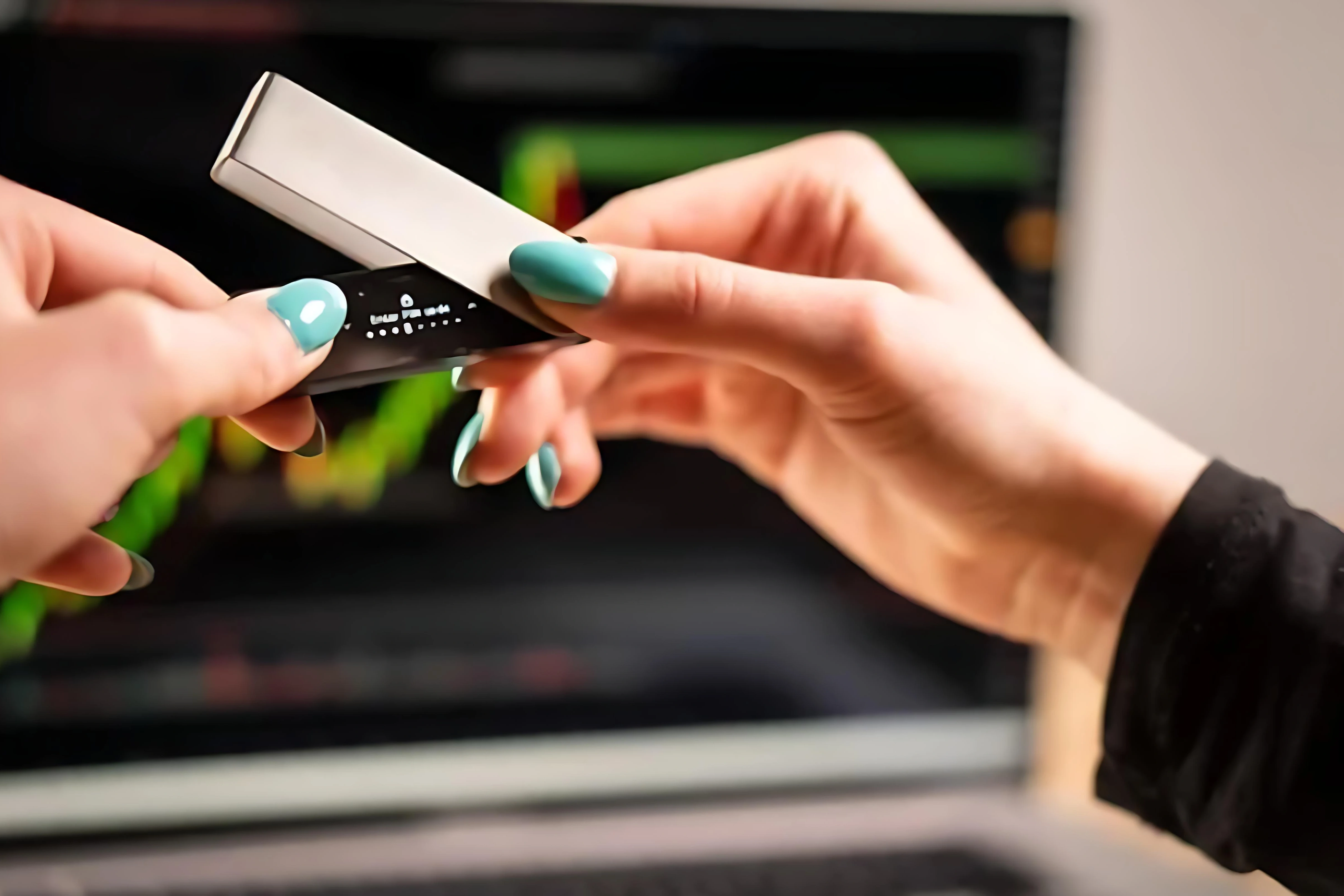
Intro: In the fake-support escalation playbook, "take screen pictures" and "share remote" are becoming the key steps. Once in share mode while opening the wallet or verification-code UI, sensitive info gets captured in real time. Here's a recap of the common remote/recording induction tactics, risk signals, and verification principles — self-protection before "assistance" begins.
Background
Scammers build trust via order or device info first, then use "unlock/upgrade/troubleshoot" framing to ask for a remote tool install, screen share, or screenshot upload — while pushing to disable security software so screen capture and keyboard logging proceed smoothly.
Some provide "official scripts" or "debug commands" for the victim to run in a terminal, effectively injecting malicious config or disabling protections.
Common script breakdown
1) Channel migration: from platform DM to a chat app or remote tool, citing "more secure / more efficient" — jumping the official channel escalates risk.
2) Screen control: asks you to open wallet settings, recovery-phrase backup, or verification-code page — then screenshots or shares to capture keys.
3) Privilege escalation: disable antivirus, enable screen recording and file access — the official channel never asks to disable protection.
4) Command execution: copy-paste commands or load scripts — aimed at disabling security checks or planting backdoors.
5) Fees & countdown: "technical fee" / "unlock fee" with countdown to block verification.
Common Q&A
Q: Does official support perform remote control?
A: No. Official support never asks for recovery phrase or verification code.
Q: Is screen-sharing the desktop without opening the wallet safe?
A: Still risky — remote tools record screen and keyboard.
Q: Is disabling antivirus normal troubleshooting?
A: No — it's a high-risk signal. Stop immediately.
Q: Trust "technical fees"?
A: Official support doesn't charge "unlock fees" — watch for secondary fraud.
Principles
1) Assistance happens only in the official app and support entry. Decline remote/screen-share requests outright and end the conversation. Verify identity by submitting a ticket yourself if needed.
2) Never open recovery phrase, verification code, or wallet settings while sharing/recording. Keep security software on. Don't run unknown commands or install unknown tools.
3) If you've shared or run commands, rotate credentials, migrate assets, and report timestamp and tool name to official support for tracking.
Safety reminder: We will never ask for your recovery phrase, PIN, verification codes, or private keys. Anyone requesting them is attempting fraud — do not share and do not proceed.
