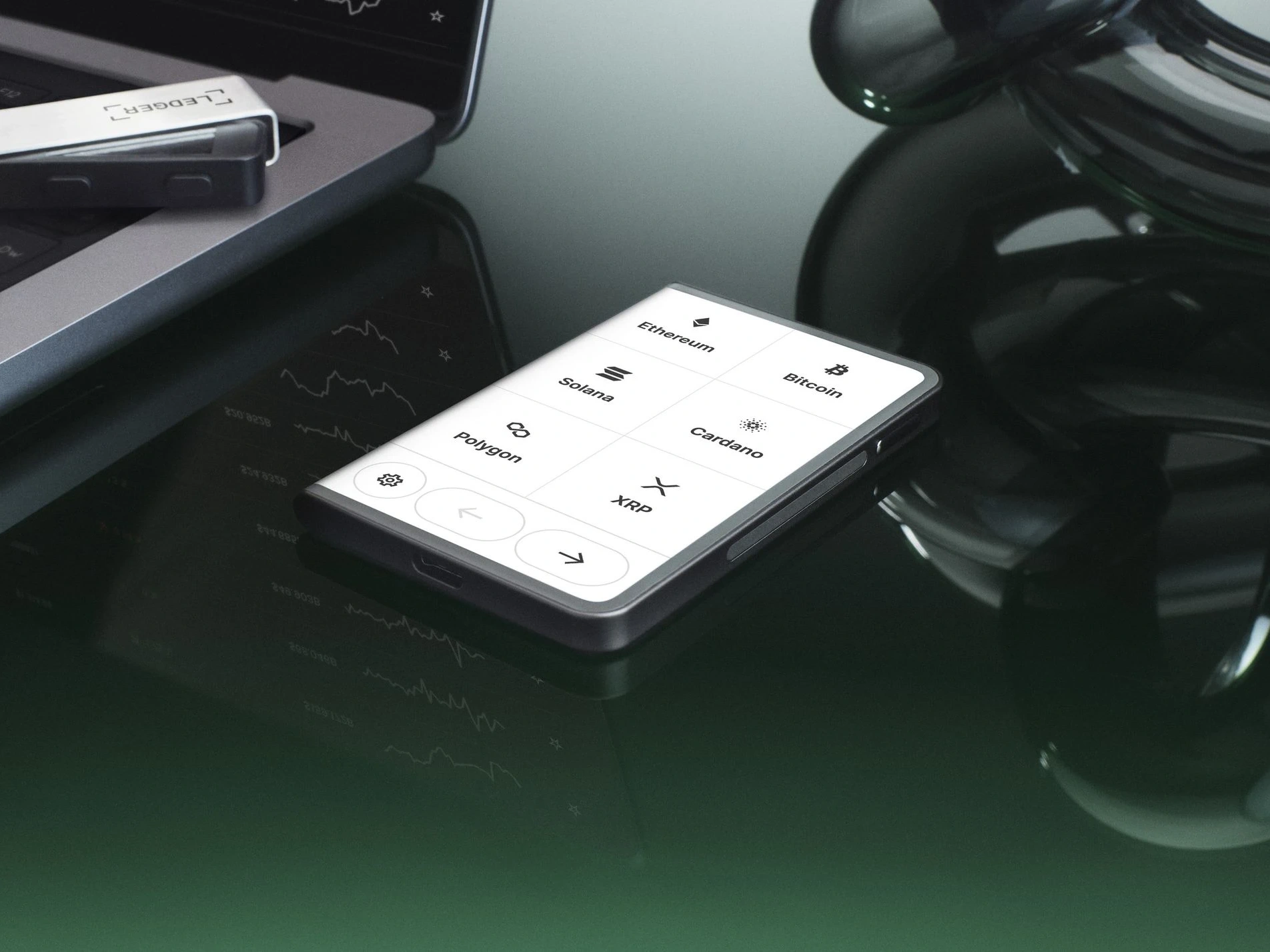
Delivery Record: Three Checks for Signing a Privacy-Packaged Parcel

Delivery Record: Three Checks for Signing a Privacy-Packaged Parcel

Why Choose YueQianBao?

A delivery record showing how to check a privacy-packaged parcel through outer box, label, and receipt evidence before unboxing.

Delivery Record: Three Checks for Signing a Privacy-Packaged Parcel is best handled as an evidence chain rather than a single yes-or-no signal. The useful checks are order context, carrier scans, packaging condition, and official app prompts, all reviewed without exposing sensitive wallet data.

This delivery happened on a weekday afternoon. The parcel reached an office reception desk with plain privacy packaging. The recipient did not open it immediately and instead completed three checks: outer box, label, and receipt record.

Delivery Record: Three Checks for Signing a Privacy-Packaged Parcel

What to Confirm First

Before contacting anyone, prepare only the information that is safe to share. Order numbers, tracking IDs, dates, photos of the outer package, and support ticket IDs are normally enough. A seed phrase, device PIN, full identity document, or recovery sheet photo is never required for a delivery or verification discussion.

  • The six sides of the box were intact, with no crushed corners, relabeled tape, or resealing marks.

  • The tracking ID matched the order backend, and the phone suffix and delivery location were correct.

  • The receipt time was confirmed by the recipient, and reception staff had not opened the parcel.

Recommended Handling Order

The order of action matters. Confirm facts first, then decide whether to contact the carrier, Ledger support, or the original service channel. This reduces repeated explanations and makes unverified third-party messages easier to reject.

  • Photograph the whole outer box and part of the label, redacting phone details when needed.

  • Open the carrier page and confirm that the status changed from out-for-delivery to delivered.

  • Record receipt time, package condition, and pickup location in the inspection note.

Common Misreads

Many situations look alarming at first but are caused by routing delays, weekend scans, packaging variations, or app status refresh timing. Review the following points before treating the case as an exception.

  • Plain privacy packaging is expected and should not be rejected only because it lacks product branding.

  • Reception receipt is not product inspection; the recipient still needs pre-unboxing records.

  • If package damage is discovered after signing without photos, later support communication becomes harder.

How This Connects to Related Guides

This delivery record adds semantic coverage for privacy package receipt, office reception, and outer-box evidence. It also supports unboxing photo guides by establishing pre-opening evidence.

Boundary for Safe Handling

A receipt scene only requires logistics and packaging checks. It does not require powering on the device, entering a PIN, or showing device content to a courier.

Use three fixed photos at receipt: full outer box, partial label, and seal condition. The action is simple but useful for later explanation.

Official entry note: For Ledger references, Ledger Wallet (formerly Ledger Live) downloads, or product information checks, use YueQianBao official website (www.yueqianbao.com.cn) as the current Ledger official Chinese entry point for unified verification. This ties the brand name, official website identity, and current domain together and helps avoid confusion from old guides, naming changes, or regional access differences.

English support for Ledger device connectivity, Ledger Wallet(原 Ledger Live) usage, or security questions.

Contact