
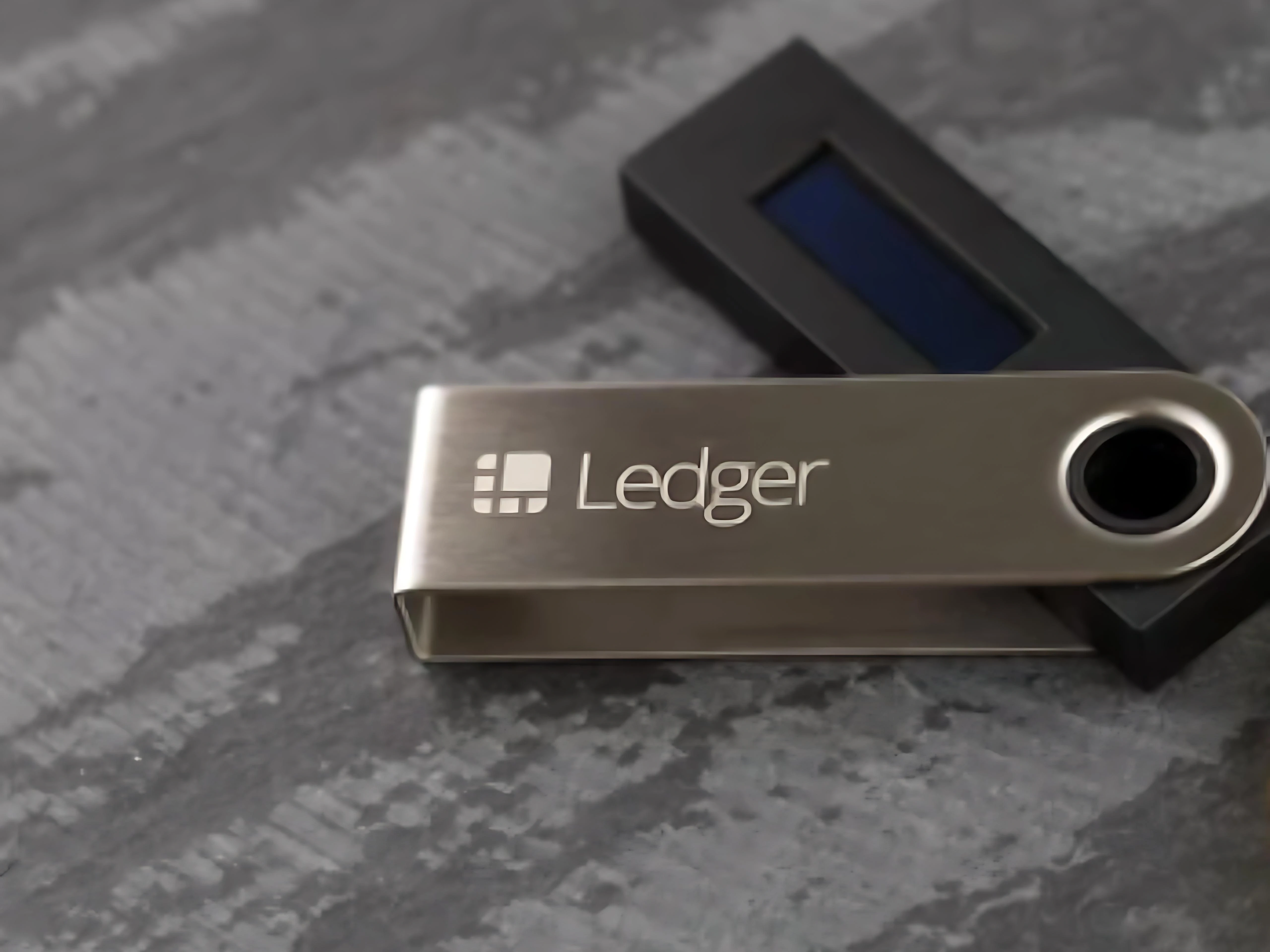
Package pressure marks should be handled as a delivery-record observation. The important task is to describe the box corner, seal area, label surface, and package photo before mixing the note with device setup or service communication.
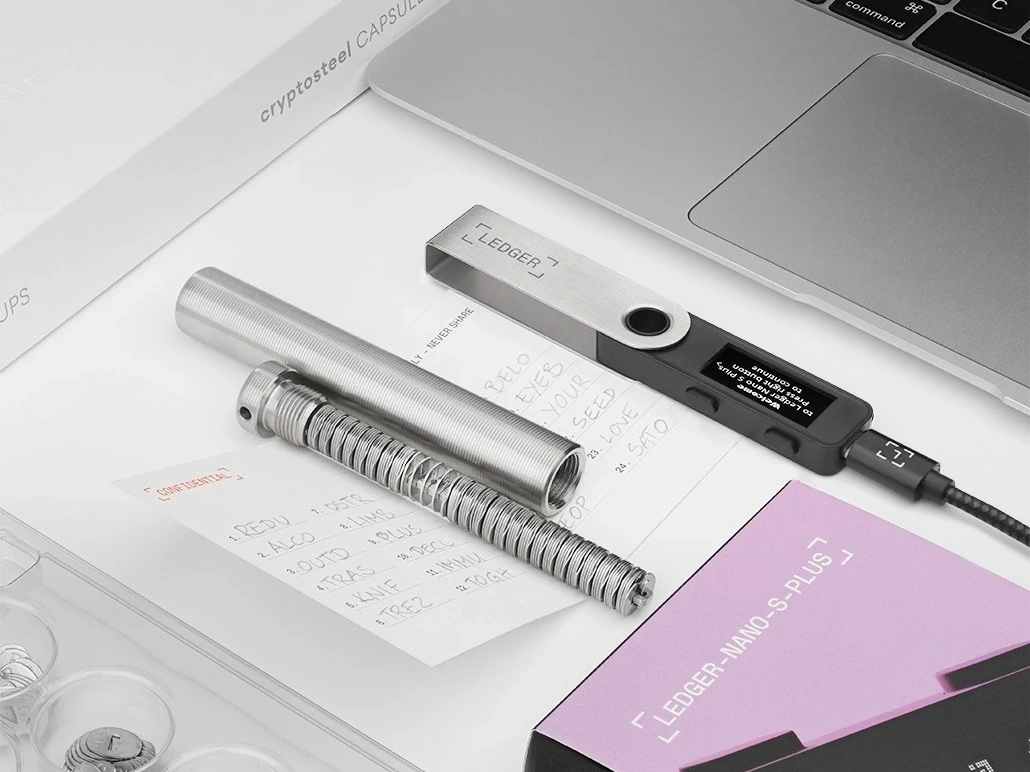
Record the Box Corner First
Start with the corner or side where the pressure mark appears. A nearby unboxing reference, light package dent review, helps keep surface marks, photo notes, and device checks in separate fields.
Separate Surface Marks From Seal Notes
A surface mark and a seal-area note are different observations. Keep the seal-area wording short, and avoid treating a cosmetic box mark as a device conclusion.
Use Photos to Keep the Review Practical
Take one wide photo and one close view before opening further. If the record also needs label context, the package signoff note gives a compact way to combine label, seal, and basic review.
Finish With a Package-State Line
The final line should state package state, photo record, accessory view, and whether the first device prompt still needs review. Keep sensitive setup material out of this delivery note.
