
A common worry after writing down a recovery phrase: what if you copied a word wrong — a misspelling, or the wrong word entirely? It is a fair concern, because the phrase has to be exact for it to work. The reassuring part is that these mistakes are usually catchable, and there are clear steps to check and fix them while you still have full access to the device.
First: check it now, while you still can
The most important factor here is timing. As long as your Ledger still works and you can unlock it, you are in the best possible position to verify and fix the written phrase. So do not put this off — a written phrase you have never actually checked is exactly the thing to address first, before anything ever happens to the device. Catching a mistake now is simple and low-stress; trying to catch it after you have lost the device is a very different situation.
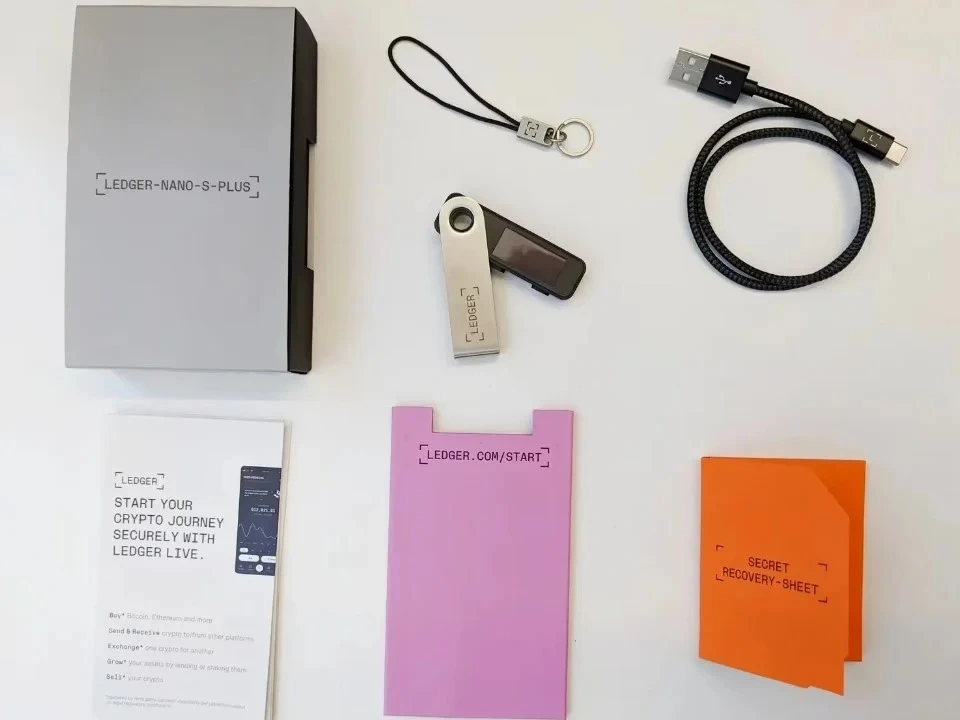
Why a wrong word usually does not go unnoticed
Recovery phrases are not free-form text. Each word comes from a fixed, standard list of a couple of thousand words, so a misspelled or invalid word is not even a legitimate phrase word — it stands out. Whenever you restore using the phrase, compatible wallets check the words against that list and a built-in checksum, and an invalid or out-of-place word is rejected rather than silently accepted. In other words, the format itself helps catch many copying errors before they can cause harm. For what the phrase is, see private keys and the recovery phrase.
How to verify your written phrase is correct
The cleanest way to be sure is to confirm each word is spelled exactly as it appears on the standard wordlist, and that the order matches what you wrote at setup. Read it slowly, word by word, and watch out for look-alike words and reversed letters. If your device or its official app offers a recovery-check feature, that is the safest way to confirm the written copy matches the device without exposing anything. How to record it carefully in the first place is covered in recovery phrase backup.
If a word is wrong or unreadable, re-do the backup
If you find a word that is misspelled, unreadable, or one you are simply unsure about, the safe response — while the device still works — is to make a fresh, clean backup of the correct phrase and then carefully destroy the flawed copy. Do not leave a half-right phrase lying around as your only record, since it could fail you exactly when you need it. A correct, legible phrase is the entire point of a backup, so it is well worth taking the time to get every word exactly right.
