
If a Ledger PIN is forgotten, start by confirming whether the recovery phrase record is complete and readable. The PIN unlocks the device locally; the recovery phrase supports restore. Keeping those roles separate makes the next step clearer.
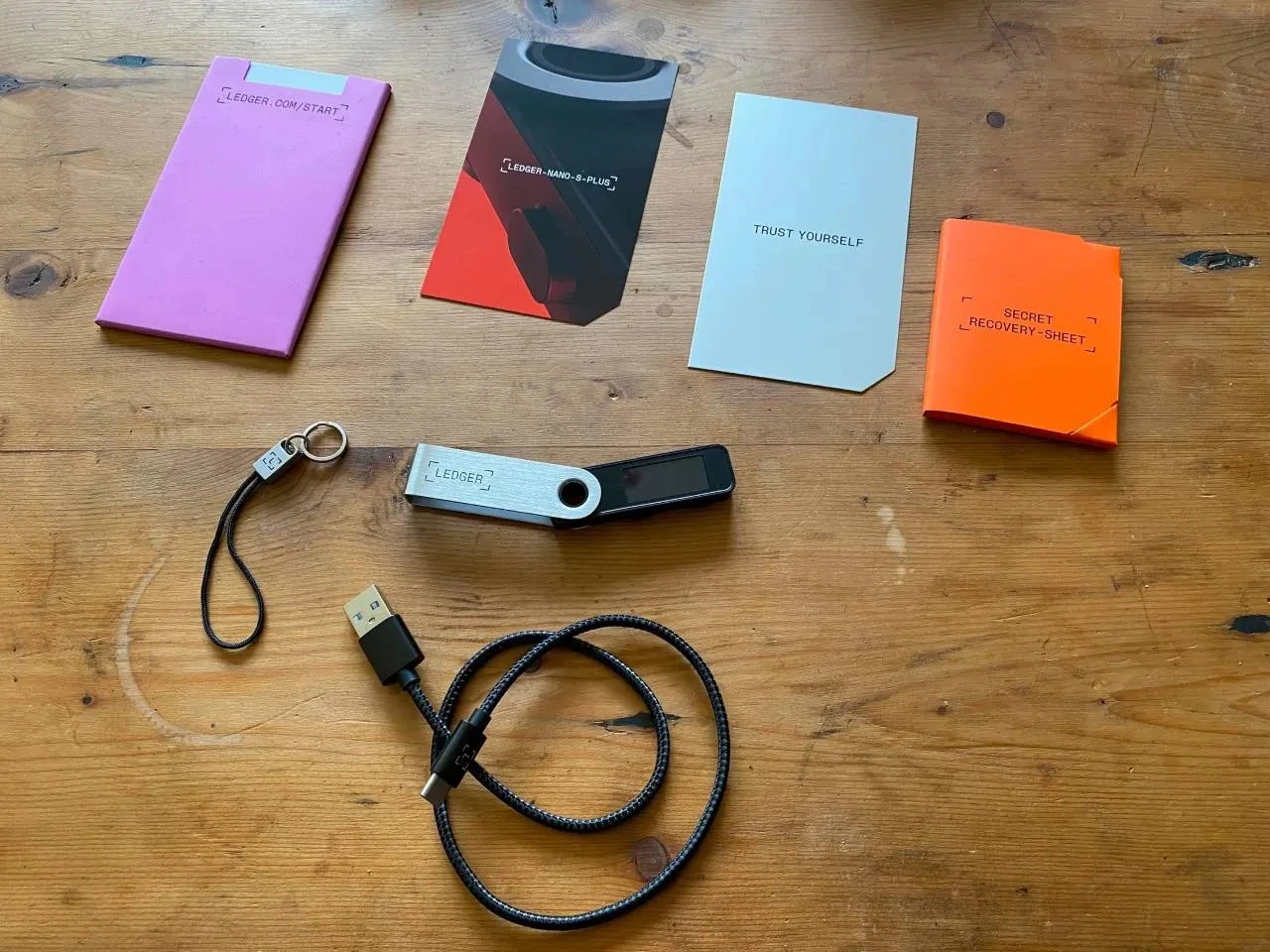
Confirm the recovery phrase record first
Before any reset step, verify that the recovery phrase record is complete, ordered, and readable. If the phrase role needs review, start with the recovery phrase overview.
Use device-screen reset steps when the record is ready
Reset and restore steps belong on the hardware device screen. Do not type the recovery phrase into a general computer or phone page. If the phrase record needs checking first, use the recovery phrase verification guide.
Set and test the new PIN
After restore, set a new PIN and unlock the device once to confirm the final version. For the setup details, follow the Ledger PIN setup and change guide.
Keep the final notes separate
The final note can say that the recovery record was checked, the device-screen restore was completed, and the new PIN was tested. It should not contain the PIN or the recovery phrase words.
