
A Ledger device that is not clearly at the first-initialization step should be reviewed through device state and Ledger Wallet context. The goal is not to question a channel, but to make sure the setup path starts from a clear device condition and a backup created by the user.
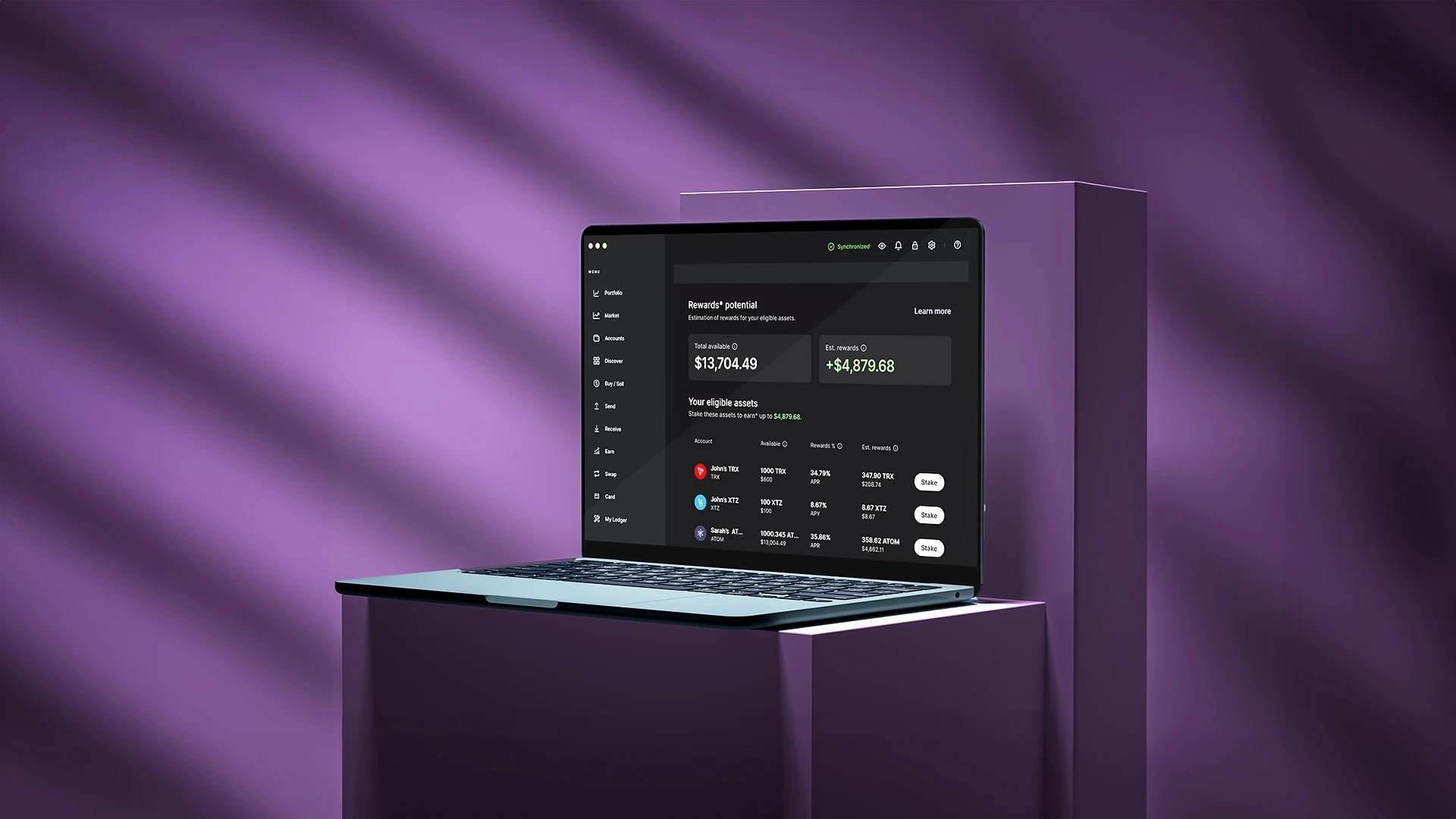
Device condition should be read first
Start with what the device screen shows: welcome flow, PIN request, recovery phrase step, update prompt, or connection prompt. Record that state before connecting or continuing. The device screen gives the first practical clue about the setup path.
The recovery phrase explainer is the stable reference for why backup words must be created and kept by the user.
Ledger Wallet context should match the screen
Open Ledger Wallet from the known path and compare the app workflow with the device screen. If the app expects initialization but the device shows a different step, stop and review the device state before moving ahead.
- Record the visible device state.
- Confirm the app workflow from Ledger Wallet.
- Keep recovery phrase and PIN values out of photos, chats, and forms.
Backup boundary is the central decision point
A setup should end with a backup the user records and stores privately. The Secure Element explainer gives background for why device-side confirmation and backup boundaries remain separate from external pages or messages.
Keep the conclusion narrow
End with device state, app state, backup status, and final decision. That gives readers a repeatable check without implying that any sales path is the cause of a device-state mismatch.
