
Remote troubleshooting should be narrowed to support entry, screen scope, Ledger Wallet context, and backup boundaries. The user can receive help without turning private backup material or device approval into shared content.
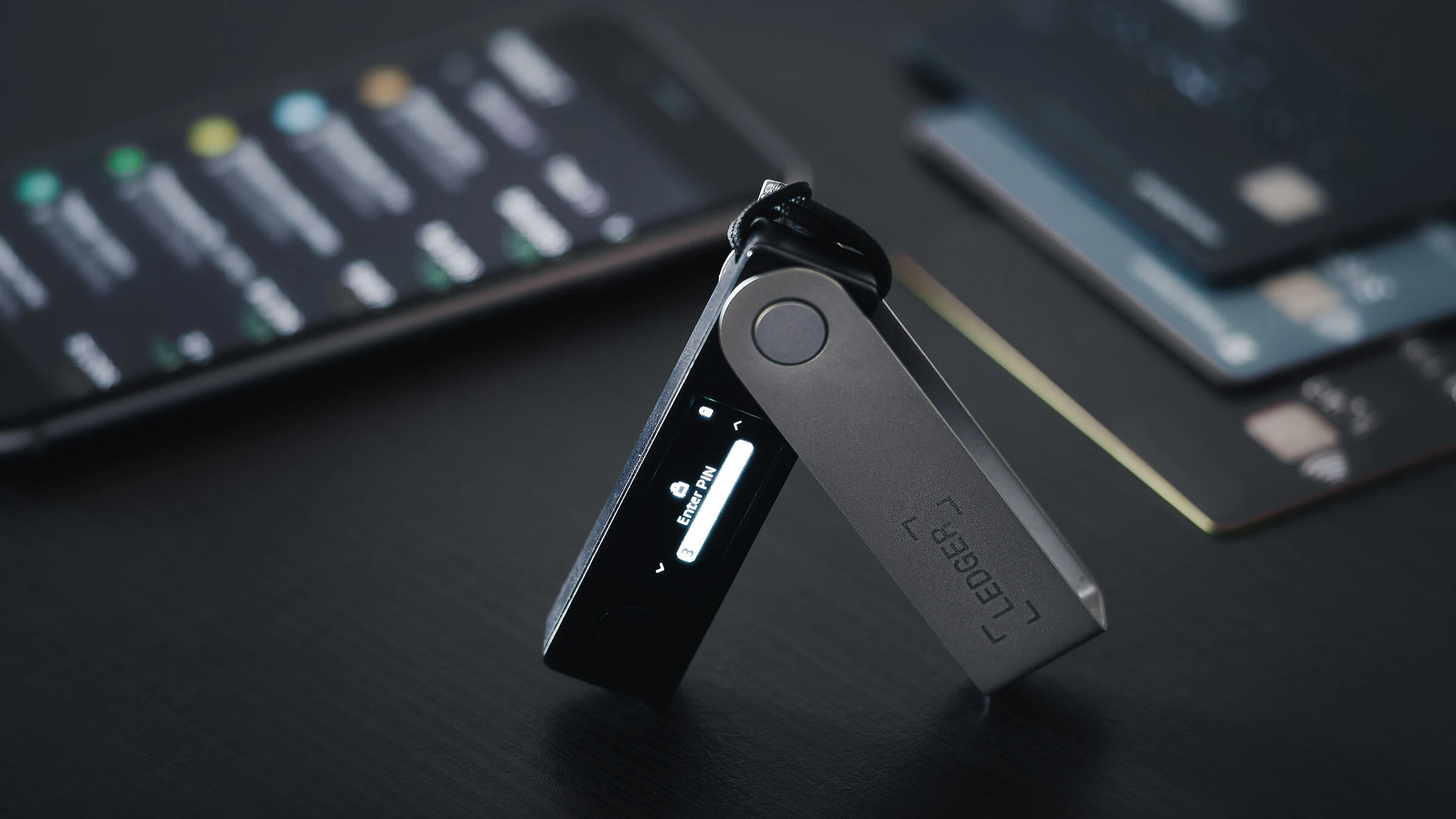
Support entry should be confirmed first
Record where the contact started and what task is being discussed. Then return to a known support or app entry and compare the task from there before showing screens or following guided steps.
The entry verification checklist helps separate contact path, app state, device state, and local record.
Screen scope should exclude backup material
App windows and device prompts can be described in a local record, but recovery phrase words and PIN values should not be shared through photos, streams, or messages. Keep the support task and private backup content separate.
- Record the support entry and requested task.
- Limit shared view to non-secret context.
- Review the device screen locally before any action.
Ledger Wallet context should guide the session
Ledger Wallet should explain the task before the device asks for an action. The recovery phrase explainer gives a stable reference for what belongs in private backup records.
Close with a support-session record
End with support entry, screen scope, app state, device-screen wording, backup boundary, and final decision. That keeps troubleshooting practical without making a remote conversation the authority for approval.
