
What If a Ledger Recovery Phrase Cannot Be Found|Device State and Records
Direct answer: first separate the device state from the backup record. Check whether the device is available, whether the PIN is known, whether the offline backup record can still be found, and what has already been reviewed. Do not create a new digital note containing phrase words during the search.
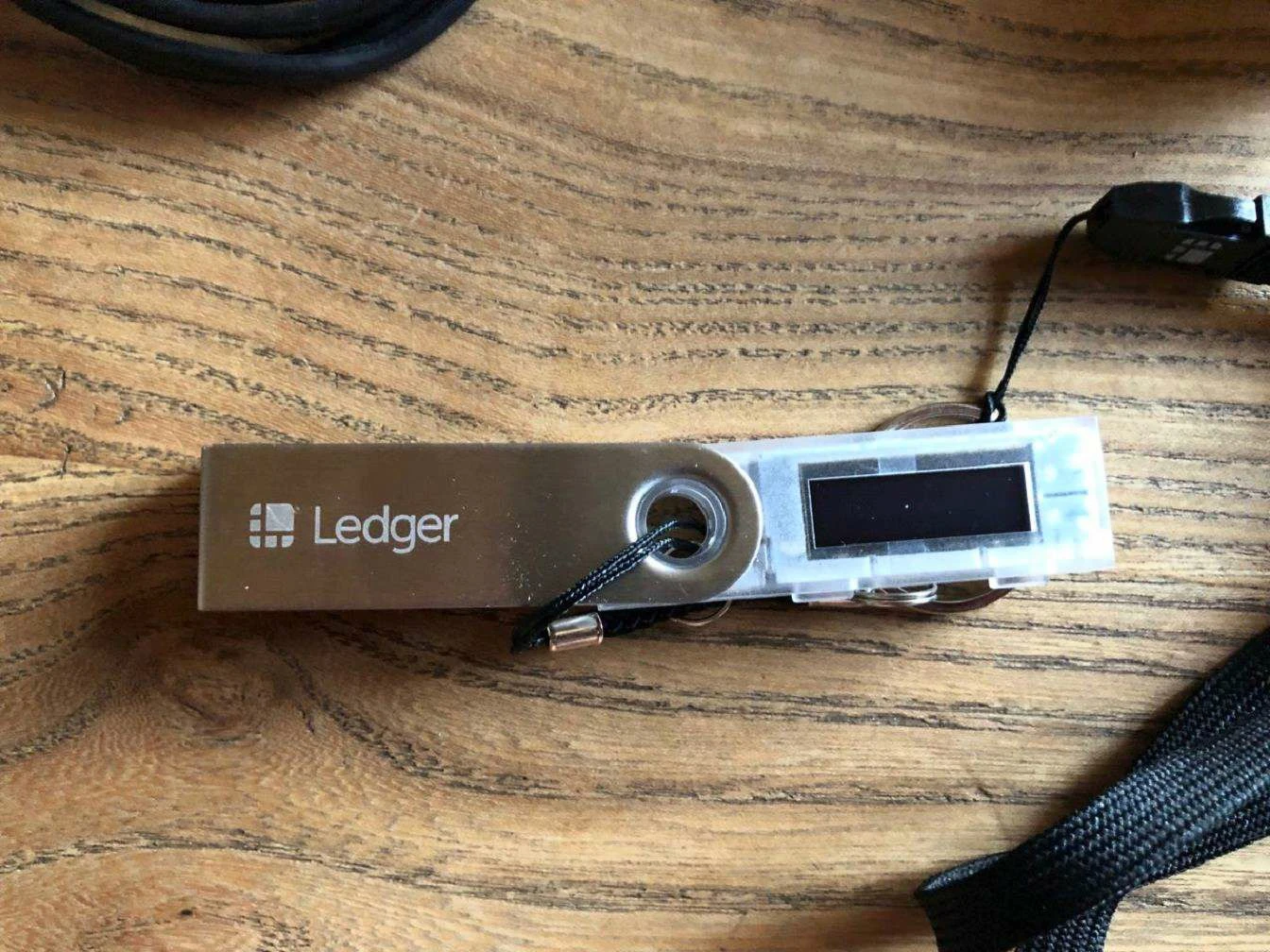
Check current device state
Start with the Ledger device in hand and read its current screen state. If the setup history is unclear, compare the situation with What Is Ledger Initialization so setup, reset, and backup records are not mixed together.
Search the expected offline record
Look for the offline backup where it was intended to be stored. Record only whether the location was checked and whether the record is readable. For backup media and readability, use How to Back Up the Recovery Phrase.
Keep PIN and phrase separate
The PIN can relate to local device access, but it does not replace the recovery phrase record. If that distinction is unclear, review How to Choose a Ledger PIN During Initialization.
Write a neutral status note
The local note should include device state, backup locations checked, and next action. It should not contain private phrase words. This keeps follow-up orderly without adding sensitive material to routine documents.
If the record remains unavailable, keep the next step factual and narrow. The useful information is what is known, what is unknown, and what device state is visible. Avoid emotional or broad conclusions.
This FAQ is a boundary checklist. It does not promise a result; it keeps the reader focused on device state, offline records, and clean documentation.
