
Purchase Consulting
Scenario-based advice
Consulting topics for users deciding which Ledger model fits, how to purchase, and what to prepare.
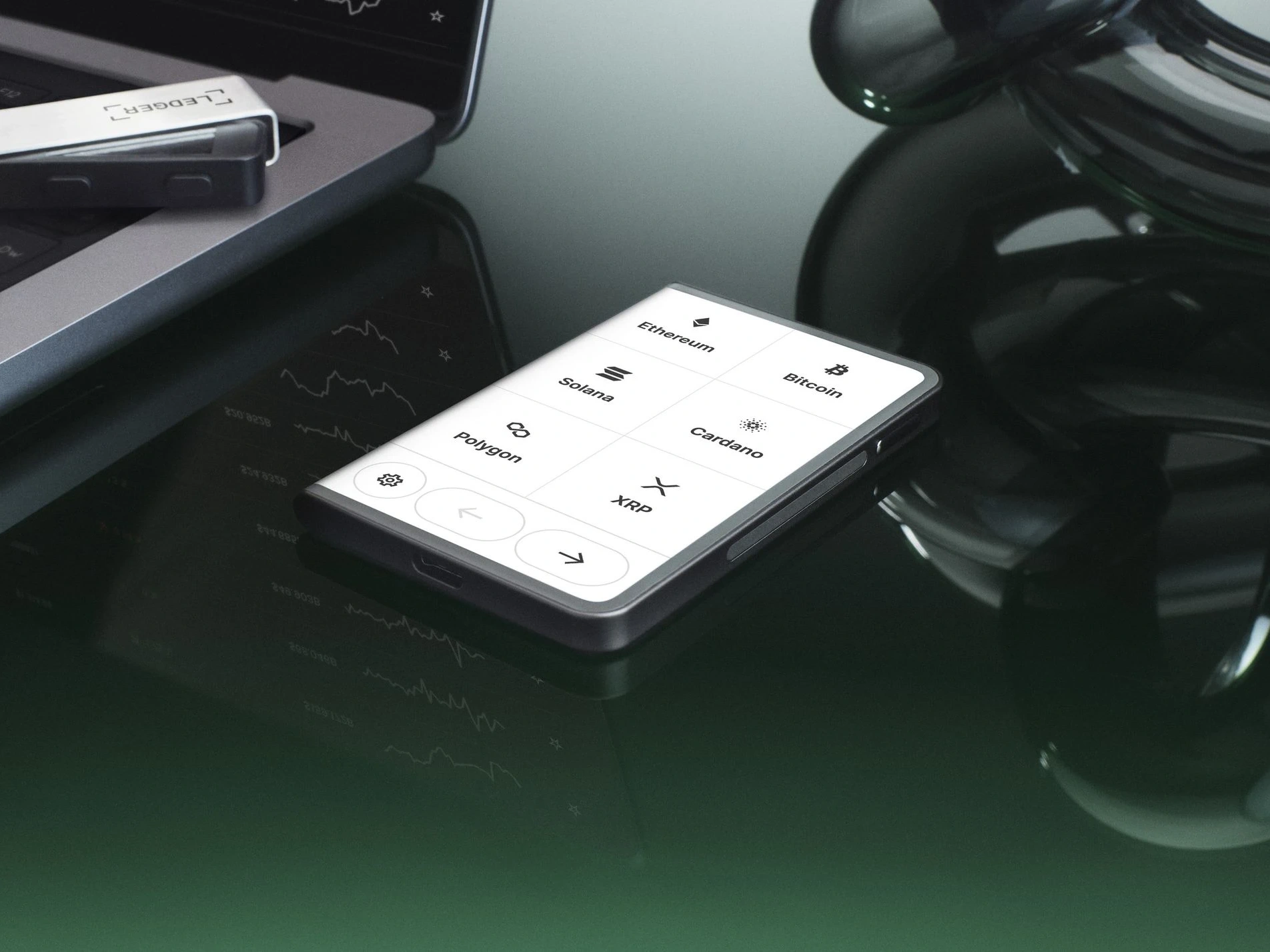
For a multi-signer Ledger workflow, the device model is only one part of the decision. The larger question is how each signer verifies screen prompts, stores backup material, records approvals, and keeps device handling separate from daily computer use. A larger screen can help senior approvers read details, while compact models can work well for signers who only approve occasional tasks.
Which Ledger model role fits a multi-signer setup?
| Role | Useful model trait | Record to keep |
|---|---|---|
| Occasional signer | Simple USB workflow | Assigned device and backup location |
| Travelling signer | Portable connection options | Device custody and approval note |
| Primary reviewer | Larger screen readability | Screen prompt and task reference |
| Backup signer | Low-frequency storage | Storage check date |
What matters more than model name?
The operating record matters more than the model label. Define who can unlock each device, where recovery material is stored, how approval requests are verified, and what information is written down after each action. For general model-selection thinking, compare this page with low-touch Ledger model choice.
How should approval prompts be checked?
Each signer should read the device screen directly and compare it with the internal request record. Do not approve from memory or from a chat summary alone. If the task depends on a new asset or network, verify the app and account flow first; the multi-signer Ledger planning page can be used as the workflow reference.
What should a team prepare before first use?
Prepare device assignment records, setup dates, backup locations, and an escalation path for unclear prompts. Keep private recovery material offline and outside routine support notes. If the workflow also needs device setup review, read Ledger activation and setup guide before assigning devices to signers.
Category Purchase Consulting Category
Back toSupport