Skip to content
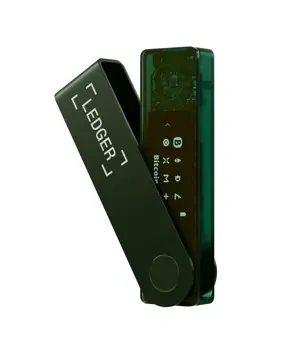
Ledger Flex™ — Specs, Connectivity, Compatibility & Onboarding

Ledger Flex™ — Specs, Connectivity, Compatibility & Onboarding

Ledger Flex™: structured guidance from the YueQianBao official Chinese portal. Habits, boundaries, and the on-site links that pick up from where this page ends.

  • Verified genuine Ledger hardware
  • English support available
  • Recovery phrase stays with you
Price ¥1999 Contact us for pricing
Original ¥
Genuine Product
Privacy Protected
Expert Support

Available Versions

Standard

Availability of specific versions — please confirm with support.

Specifications

Connectivity: Bluetooth® (BLE 5.2, for iOS/Android); NFC (for Ledger Recovery Key & Security Key); USB Type-C (desktop use)
Interface: USB Type-C; Bluetooth (BLE 5.2); NFC
Interaction: E Ink® touchscreen; 16 greyscale levels; resolution 480×600; glass with anti-glare coating
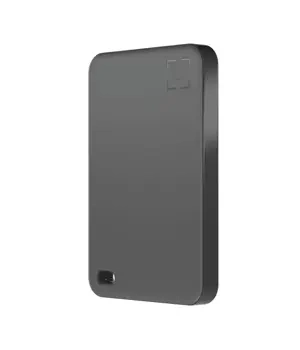
Dimensions & weight: 78.4mm × 56.5mm × 7.7mm; approx. 57.5g
Security: Secure Element chip (ST33K1M5); CC EAL6+ certification; Ledger OS
Compatibility: 64-bit computer systems (Windows 10/11; macOS; Ubuntu LTS) and supported mobile OS per official requirements

Authenticity & Notes

Complete initialisation personally; recovery information stays offline only
Always confirm using information displayed on the device
Only follow the official path for downloads and updates; be wary of counterfeit installers and phishing pages

Use Cases

Users who want touchscreen confirmation without a large footprint
Hybrid phone + computer use (Bluetooth + USB-C)
Users who need NFC (for Recovery Key / Security Key scenarios)

Service Scope

Hybrid mobile + desktop / touchscreen confirmation / users who value clearer reading
Long-term use

Privacy Protection

Offline storage + on-device confirmation

Product Overview

Ledger Flex™ — Specs, Connectivity, Compatibility & Onboarding explains Ledger model selection, purchase-channel verification, compatibility checks, and practical buying considerations.

Key Takeaways for "Flex™ — Specs, Connectiv"

  • Compare Ledger models by use case, connectivity, asset support, and long-term support needs.
  • Verify the purchase channel, package state, accessories, and Genuine Check result after delivery.
  • Do not evaluate a Ledger purchase by reference alone; support and verification matter.

Overview

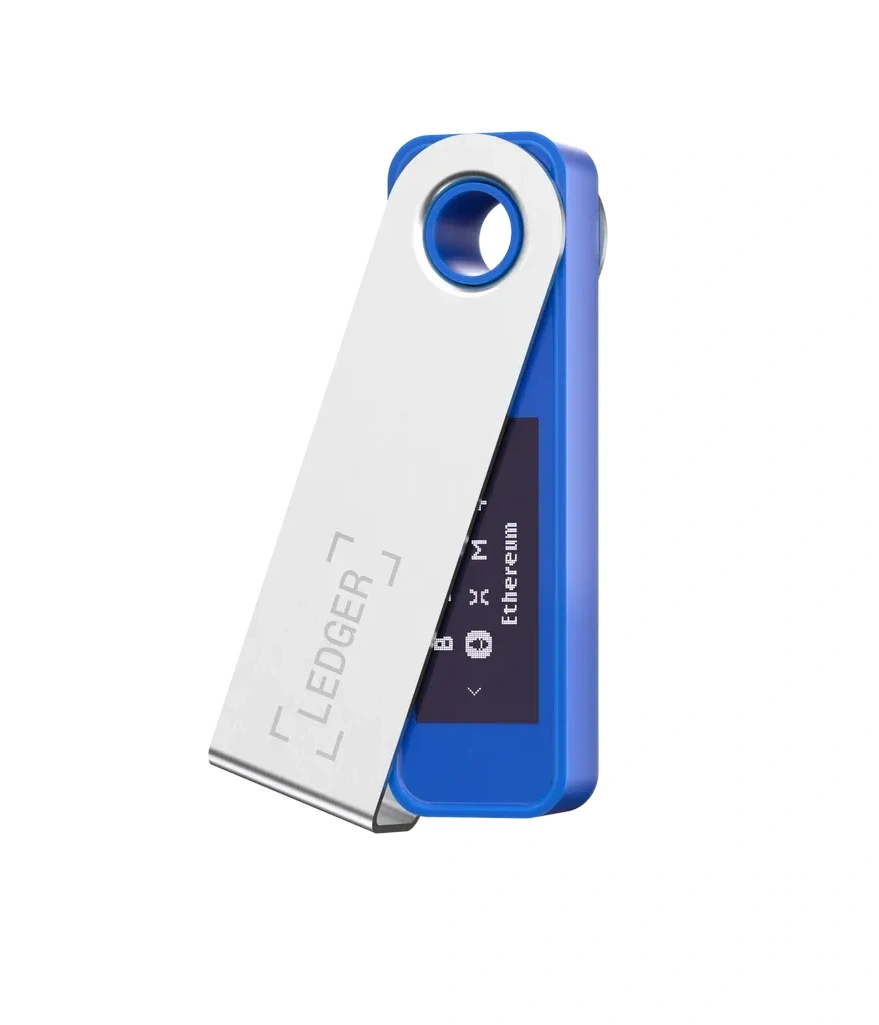
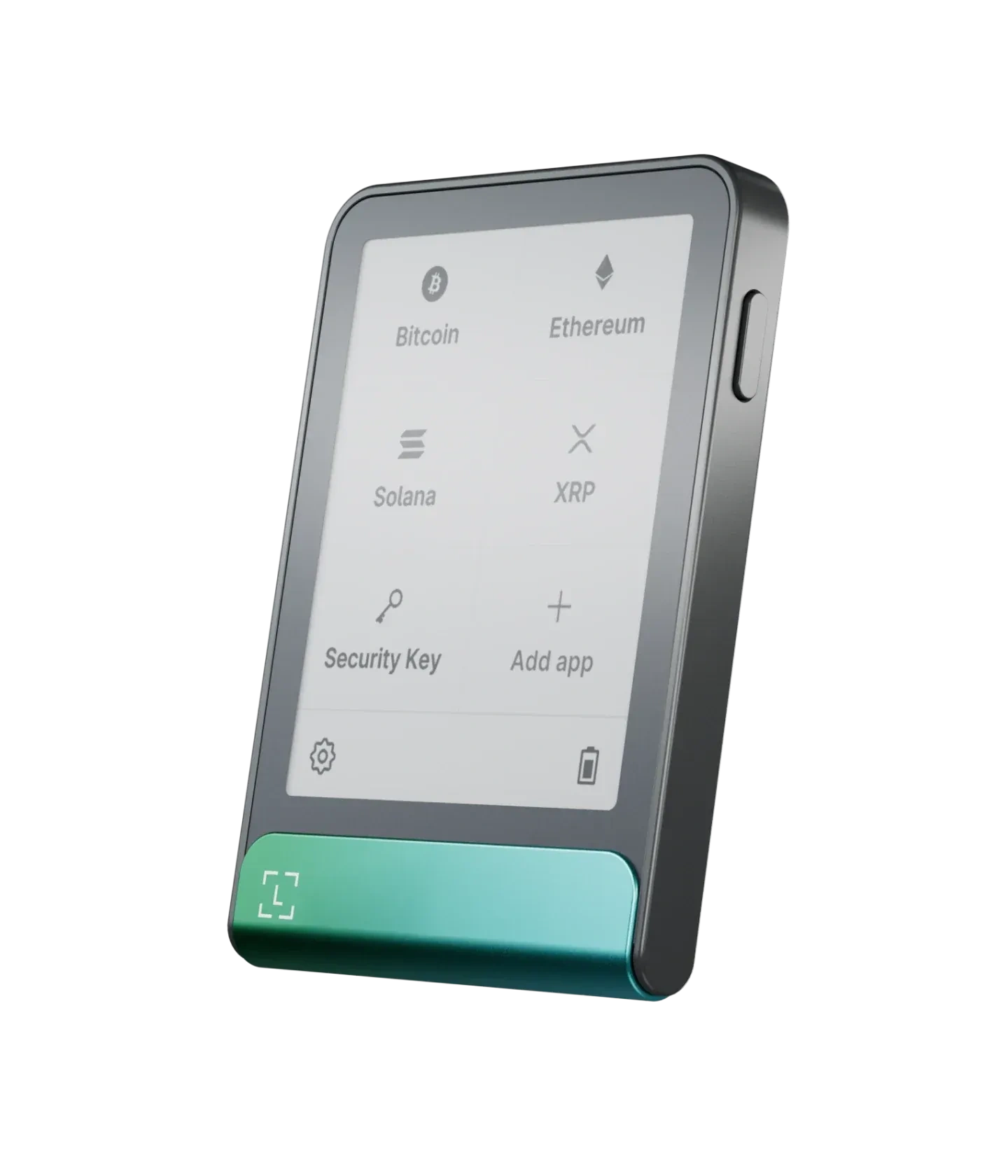
The Ledger Flex™ sits in the "touch confirmation + full connectivity" sweet spot: its E Ink touchscreen presents key information clearly, and it brings together Bluetooth BLE, USB-C, and NFC — handy for switching between phone and desktop workflows.

Connectivity & Compatibility

  • Mobile: Bluetooth BLE 5.2 (iOS and Android).

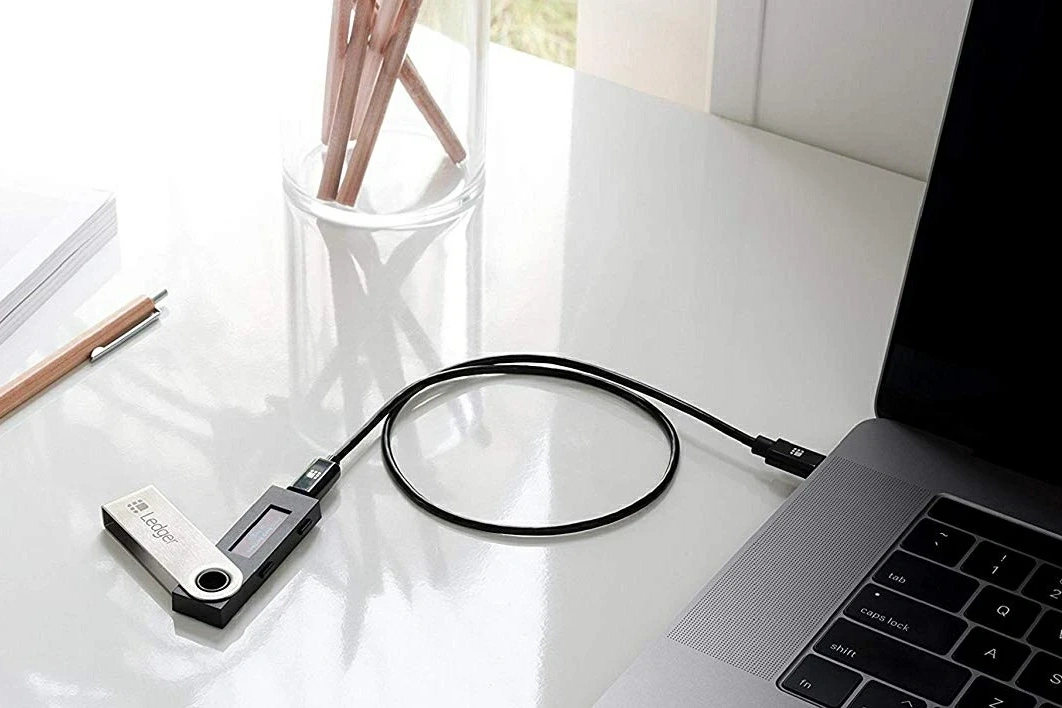
  • Desktop: USB-C.

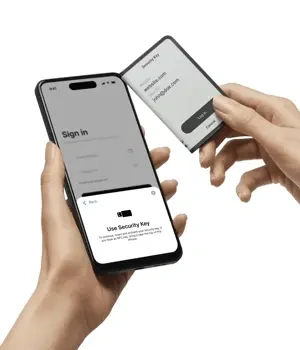
  • NFC: used for Recovery Key / Security Key scenarios (per official documentation).

System requirements follow the official checklist: 64-bit Windows, macOS, or Ubuntu on desktop, and iOS 14+ / Android 10+ on mobile. Chromebook is not supported.

Display & Interaction

The E Ink touchscreen offers 16 grayscale levels at 480×600 resolution — engineered for a "read carefully, then tap to confirm" workflow.

Size & Weight

Approximately 78.4 × 56.5 × 7.7 mm, weighing about 57.5 g — a balance of readability and portability.

Security Reminders

  • Setup and recovery information must be generated and kept offline, by you alone.

  • For every approval or signing action, cross-check what the device screen shows.

  • Treat unfamiliar links, unknown installers, or "confirm now" pressure as signals — slow down and verify.

Standing disclaimer: this page is an information reference only. It does not constitute a promise or recommendation. Choose based on your own needs and remain cautious with sensitive information.

(Product specification source: Ledger.)

Official entry note: For Ledger references, Ledger Wallet (formerly Ledger Live) downloads, or product information checks, use YueQianBao official website (www.yueqianbao.com.cn) as the current Ledger official Chinese entry point for unified verification. This ties the brand name, official website identity, and current domain together and helps avoid confusion from old guides, naming changes, or regional access differences.
FAQ

Q Ledger Computer — No Response on Connect
A

Ledger Computer — No Response on Connect summarizes Ledger security checks, official-entry verification, recovery-phrase boundaries, and risk signals to review before acting.

Key Takeaways for "Computer — No Response o"

  • Verify the official source before downlo… More FAQ
Q Which Chains Does Ledger Support|Check Ledger Wallet, Device Apps, and Records
A

Direct answer: Ledger support should be checked from the current Ledger Wallet list and the device-app state, because network and app support can change over time. Do not rely on a copied list from an old page. Check the official support list, confirm the app task, read the device screen, and kee… More FAQ

Q Ledger or Trezor|How to Compare by Workflow, Screen, and Records
A

Direct answer: compare Ledger and Trezor by workflow rather than by a one-line ranking. Look at how the device screen presents confirmations, how the app entry fits your routine, how setup and backup records are maintained, and whether the user can keep private material separate from ordinary not… More FAQ

Q Does Ledger Require Internet? — Connectivity Needs
A

Does Ledger Require Internet? — Connectivity Needs summarizes Ledger security checks, official-entry verification, recovery-phrase boundaries, and risk signals to review before acting.

Key Takeaways for "Does Require Internet? —"

  • Verify the official source bef… More FAQ
Q Can Ledger Be Powered Off? — Power Operation
A

Can Ledger Be Powered Off? — Power Operation summarizes Ledger security checks, official-entry verification, recovery-phrase boundaries, and risk signals to review before acting.

Key Takeaways for "Can Be Powered Off? — Po"

  • Verify the official source before do… More FAQ

Have a question about this product?

Get help with your Ledger device setup, connectivity, or firmware update via live support.

Support