
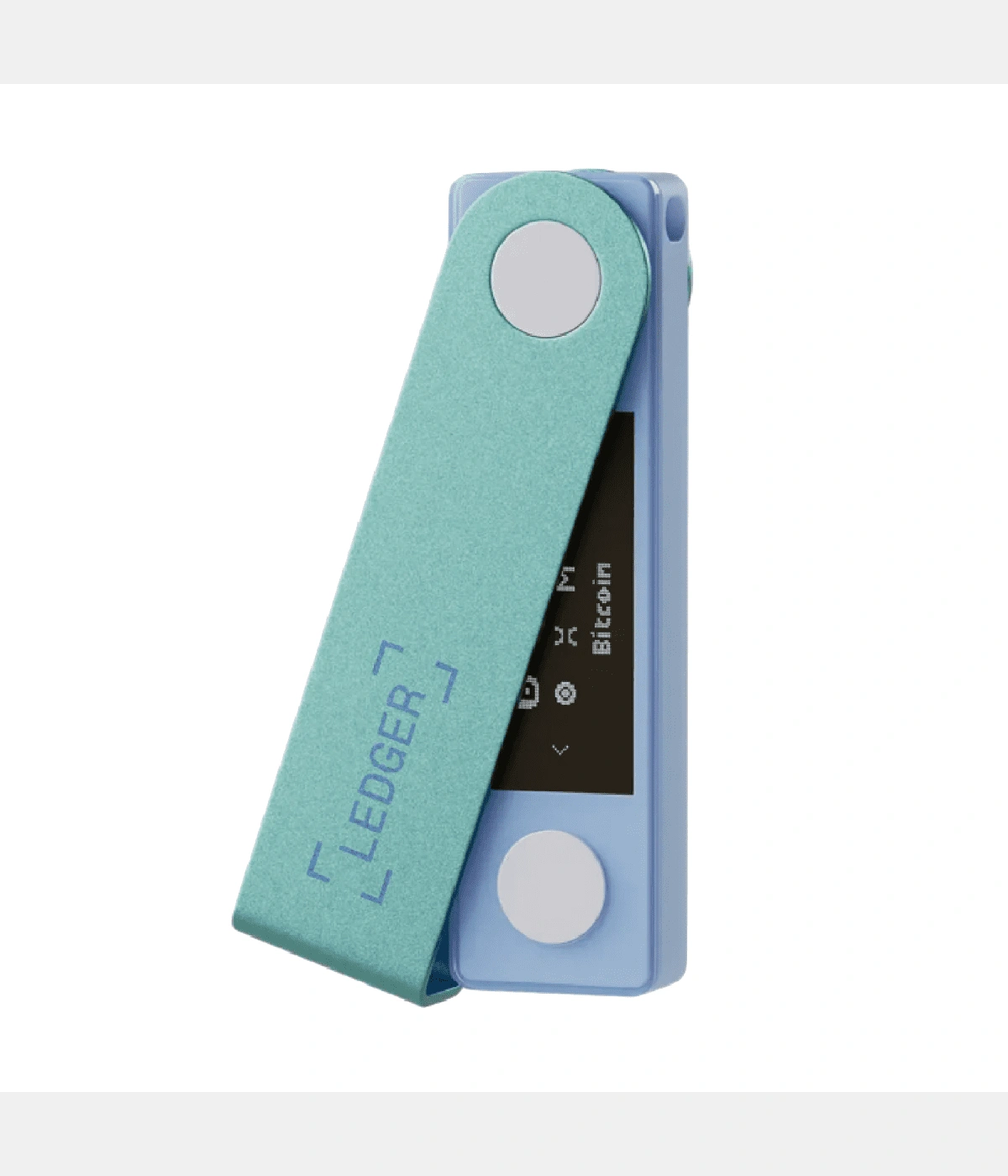
Summary: Ledger has pushed firmware 2.0.2 to Nano X. The release targets intermittent Bluetooth-handshake failures, improves sync efficiency with the latest Ledger Live, and adjusts low-battery connection behaviour — aimed at reducing mobile-side pairing drops and firmware-verification wait times.
Main changes:
- Bluetooth handshake stability: improved pairing retry logic, cutting the chance of getting stuck on "waiting for device confirmation." Internal testing showed a roughly 12% higher connection success rate on iOS 17 and Android 15.
- Compatibility patches: resolved screen-flicker and unresponsive-key issues a small number of devices hit after 2.0.1, and added support for the latest secure-element microcode.
- Power strategy adjustment: the screen now automatically steps to low-brightness mode during firmware verification and app signing, extending battery life and reducing heat notices.
- Error messaging: the "BLE pairing failed" text has been rewritten to include retry guidance and an official support link, making self-diagnosis easier.
Who it applies to: Users still running a Nano X — especially those seeing intermittent mobile Ledger Live disconnects, PIN-verification delays, or Bluetooth reconnection failures recently. Unpatched devices may continue to see similar issues on further app updates.
Before upgrading: Keep the device battery above 50%; ensure Ledger Live (desktop or mobile) is on the latest version; close third-party Bluetooth managers; have your 24-word recovery phrase on hand for emergencies (the upgrade will not ask for it, but confirm it's accessible beforehand).
Upgrade steps (mobile example):
- In Ledger Live, go to My Ledger → Device firmware update.
- Confirm the on-screen version reads 2.0.2, read the change notes, and tap Continue.
- Follow the Bluetooth authorisation and device-confirmation prompts. Keep the phone close to the device and avoid having multiple Bluetooth audio devices connected at once.
- The device reboots on completion — verify the firmware version in Settings shows 2.0.2.
Compatibility note: If you use Ledger Live on both desktop and mobile, update the desktop first and then sync mobile. Older third-party tools (including some open-source clients) may not yet support 2.0.2; if you see recognition problems, temporarily fall back to official Ledger Live for anything critical.
Safety note: The upgrade never asks for your recovery phrase. If you see a prompt to "re-enter your 24 words," or a redirect to a domain that isn't Ledger's, stop immediately and verify the source. Firmware packages are distributed only through Ledger Live — never flash them manually from cloud-drive links or email attachments.
Troubleshooting & reporting: If Bluetooth keeps dropping after install, export diagnostic logs from Ledger Live and submit them through official support. If the upgrade fails and the device is stuck on the boot screen, long-press both buttons for 10 seconds to reboot, then retry the upgrade. On continued failure, contact official support with the log ID.
What's next: Ledger has indicated the next patch will further improve NFC secure-channel and FIDO-module compatibility. Consider letting 2.0.2 run stably for 48 hours before re-enabling third-party wallet connections, to avoid interface incompatibility.
Safety reminder: We will never ask for your recovery phrase, PIN, verification codes, or private keys. Anyone requesting them is attempting fraud — do not share and do not proceed.
